 MAKLI
What your team gets when Makli hands over a ticket
When Makli cannot finish a ticket, it stops, routes it to the right person and leaves a card with what it checked and ready replies for the client.
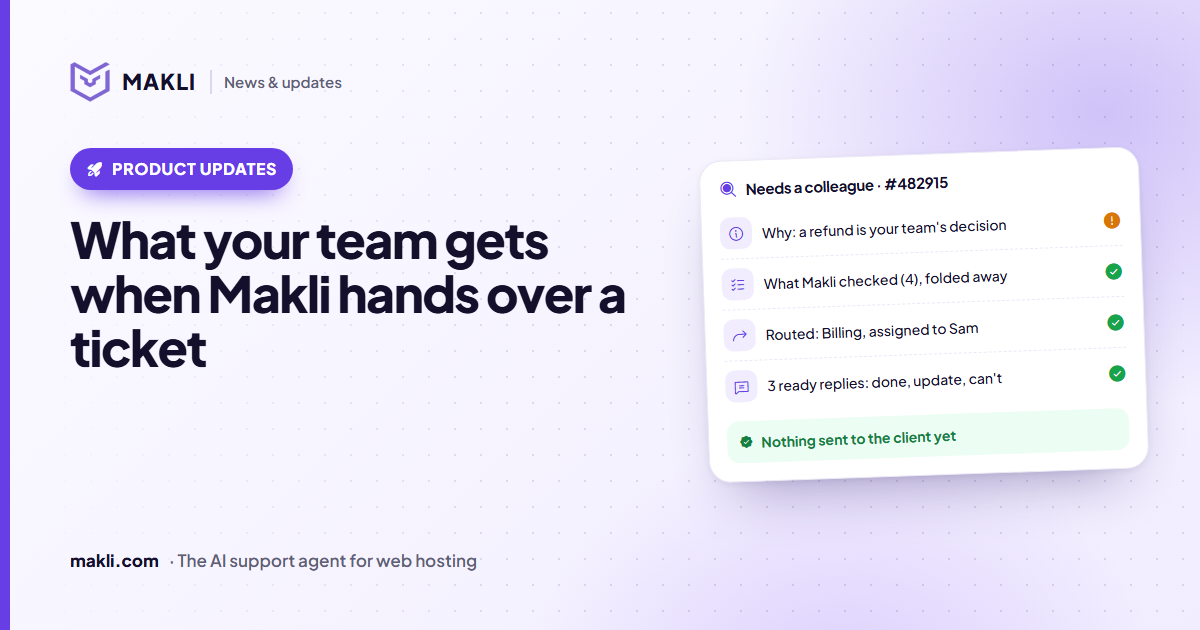
- When Makli cannot finish a ticket safely, it stops and hands it to your team instead of guessing.
- By default the client gets nothing from Makli at that point; your team answers.
- A card on the ticket shows why it stopped, what it checked and ready replies for each way the ticket can end.
- Routing rules move, assign or reprioritise handed-over tickets, and you can test them first.
An AI agent that never says "I can't do this" is a risk. Some tickets need a person: a refund decision, a server on a module Makli cannot inspect, a look-up that comes back inconclusive. What matters is what happens next. If the handover is a vague "escalated" flag, your colleague opens the ticket, reads the whole thread, logs in to the same places and repeats every check. This post shows what Makli leaves behind instead, and the settings that decide who gets the ticket.
When Makli stops
Makli hands a ticket to your team when it cannot resolve the request safely or accurately on its own. Typical reasons:
- the action needs a human decision, such as a refund or a manual change;
- the service runs on a module Makli cannot look into;
- the data it found does not settle the question;
- the action it needs is switched off, or set to Explain only, in your Actions & permissions;
- the service is cancelled, suspended or terminated and you have told Makli to leave those cases to your team.
It can also hand over just the part it cannot do. The handover records what was asked, what Makli checked, what it concluded and what it thinks your colleague should do next.
What the client sees
By default, nothing. Under Makli → Ticket Handling → When Makli hands a ticket to your team you choose what the client gets:
| Setting | What happens |
|---|---|
| No reply (default) | Makli writes nothing to the client. Your team answers from the Makli panel, where Makli writes the reply for them. |
| What Makli verified | The client gets the part of the answer Makli's look-ups confirmed (the domain is registered, the invoice is paid) and one sentence that a colleague will finish the rest. |
The second option has a safeguard: if the reply would only say "we have escalated this", with no checked fact in it, Makli does not send it.
The handoff card on the ticket
Makli does not post its findings as a ticket note, which would sit in the thread for good and pile up on busy tickets. The findings go into the Makli panel on the ticket page instead, as a card marked Needs a colleague. (If the card cannot be recorded, Makli falls back to an internal note, so nothing is lost.)
Needs a colleague · #482915
From top to bottom, the card shows:
- Why it stopped, in one line, then the summary written for a colleague who has not read the thread.
- Which setting stopped it, if any. When the action Makli needed is Off or Explain only, the card names the action, the setting and the channel, and says where an administrator can change it. Makli does not take its own word for this: the action is checked against the settings that applied to that run.
- Reply to the client: usually two to four replies Makli wrote for the ways this ticket can really end. Each is marked Resolved, Update or question, or Can't be done, and has a label that names the situation, such as "Refund sent to the original card" or "Plan disk limit reached". Facts and prices come from Makli's look-ups; anything only your team can know is left in [square brackets]. Pick one, fill the brackets, press Insert into reply.
- None of these fit? Add a short note about what you did, press It's done, Update the client or Can't be done, and Ask Makli writes a new reply from the ticket, the summary and your note. It checks again anything that may have changed since the handover, such as DNS or a service status, so the reply is not based on an old look-up.
- What Makli checked, folded away, with each look-up and its result, so nobody repeats the work.
- Routing applied: where the ticket was moved and who it was assigned to.
- Mark as handled, which closes the card once the ticket is dealt with.
Open handoffs across all tickets are also listed on the Makli Approvals page, and the dashboard counts them under "Handed to your team".
Getting the ticket to the right person
A handover is only useful if someone sees it. On the same Ticket Handling page you set the default routing for every handed-over ticket: move it to a department, assign it to a staff member, change its priority, and optionally add a short internal note. Each one is off until you choose it.
For more control, add advanced routing rules. A rule can match on:
- the ticket's department and priority;
- the provisioning module of the client's service, for example only cPanel services;
- words in the subject, Makli's summary or its reason, such as "refund", "migration" or "restore".
A matching rule can move the ticket, assign it, set its priority or status, and add a note in which you can use {summary}, {reason} and {ticket_id}. Rules are checked from the top and the first match wins, so the list reads in the order it runs. When no rule matches, the defaults above apply.
Assigning to a role rather than a person spreads the work: Makli picks the enabled staff member in that role with the fewest open tickets assigned to them.
The Makli Automations tab can also react to the event "Makli hands a ticket to your team", if you want a rule of your own to run on top.
Learning from what your team does next
When a colleague takes over and replies, Makli can record the situation and how your team handled it as a lesson in AI Training. With the default setting, Suggest, each lesson waits for someone to approve it before Makli uses it. The client's name and contact details are removed first. Handovers that keep coming back can then become tickets Makli answers itself, once you approve the lesson.
A quick example
The owner of brightbakery.co asks for a refund of invoice #10482, a hosting renewal paid last week. Whether to refund is your decision, so Makli looks up the invoice, the payment and the service, then stops. Nothing goes to the client. A rule that matches the word "refund" moves the ticket to Billing and assigns it to whoever in the billing role has the fewest open tickets. Your colleague opens it and sees the paid invoice, the payment method and three replies: refunded, a question about the cancellation date, and a kind no with what the client can do instead. They decide, pick the matching reply, fill in the brackets and send it. The client hears from you once, with the answer.
The security page covers the rules that make Makli stop in the first place, including the verified-owner check. If you want handovers that save your team work, start free and run Test Makli on a few of your own tickets: for a handover, its report shows the replies Makli would prepare for your team, without changing or sending anything.
Keep reading
 Product updates
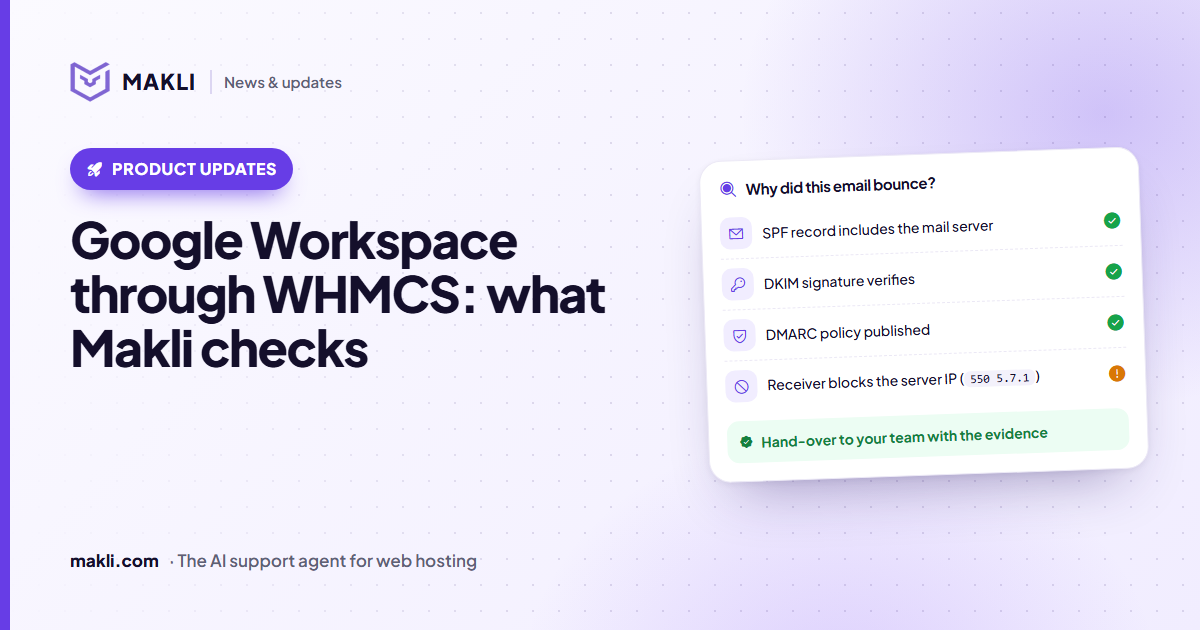
Google Workspace sold through WHMCS: what Makli checks
Workspace mail not arriving or landing in spam? Makli checks MX, SPF, DKIM and DMARC, and can read the plan, seats and suspension reason. Read-only.
 Product updates
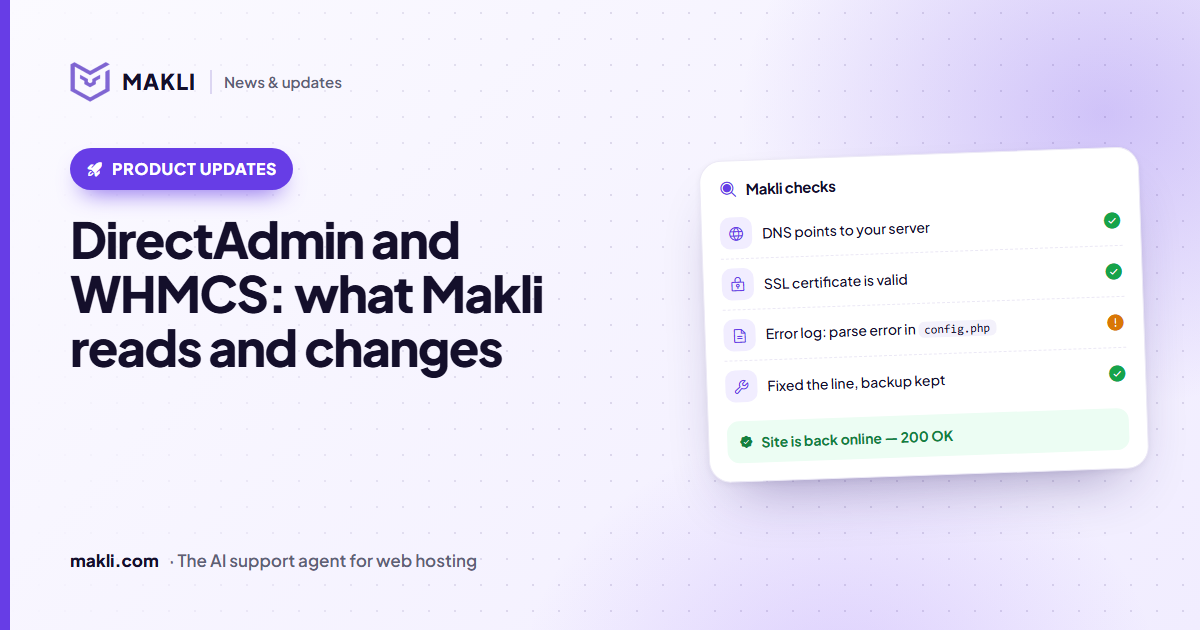
DirectAdmin and WHMCS: what Makli reads and changes
43 DirectAdmin actions for WHMCS hosts: account status, PHP logs, mail delivery, DNS, SSL and backups. What runs on its own and what waits for you.
 Guides
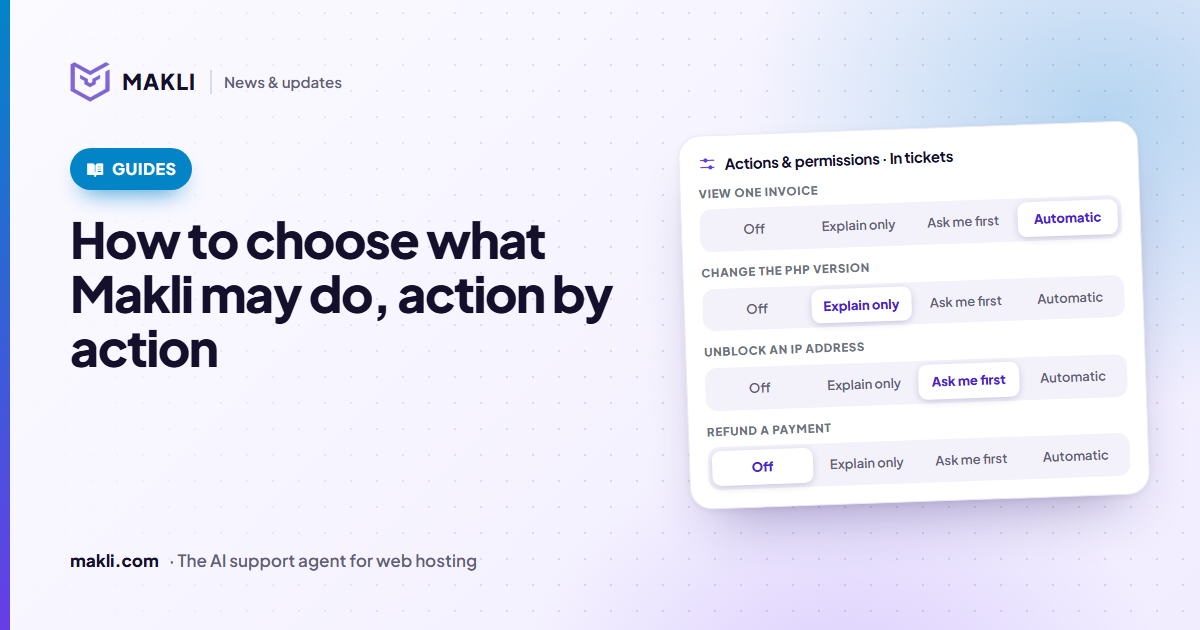
How to choose what Makli may do, action by action
Off, Explain only, Ask me first or Automatic: setting each Makli action for tickets and live chat, which preset to start with, and the limits you cannot loosen.