 MAKLI
Google Workspace sold through WHMCS: what Makli checks
Workspace mail not arriving or landing in spam? Makli checks MX, SPF, DKIM and DMARC, and can read the plan, seats and suspension reason. Read-only.
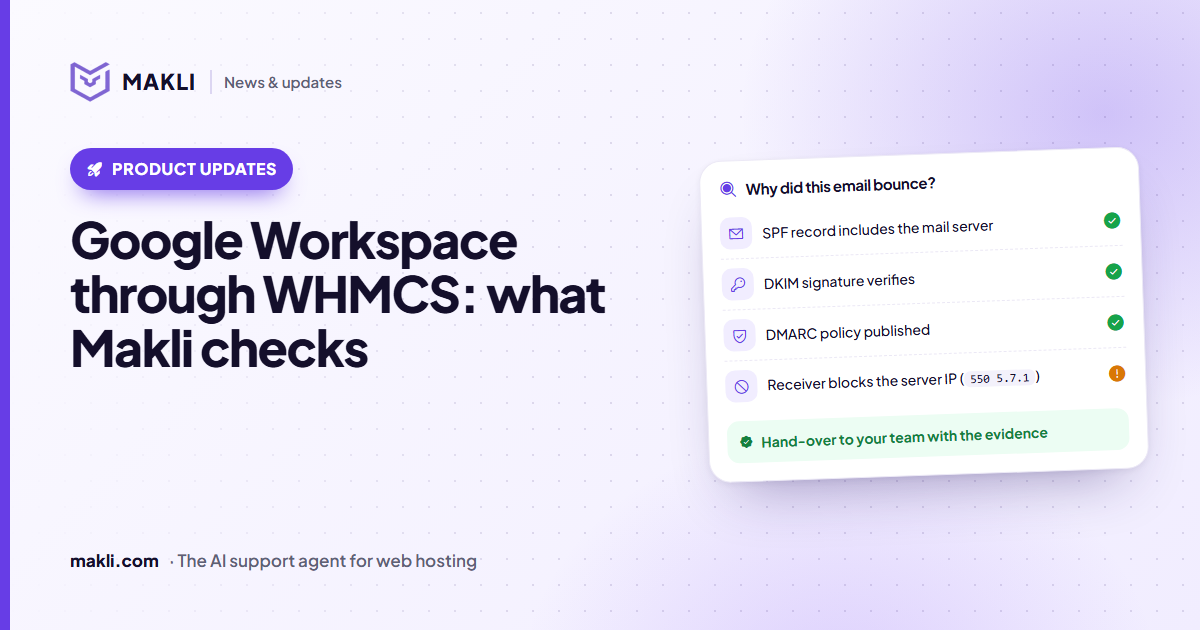
- Makli has two Google Workspace actions, and both only read.
- The DNS check needs no Google access: it tests MX, SPF, DKIM, DMARC and the verification record and gives the exact record to fix.
- With the Reseller API connected, Makli can also read a client's plan, seats and subscription status, including Google's reason for a suspension.
- Makli cannot reset Workspace passwords, add users or change seats; it says so and points to the right person.
"We switched to Google Workspace yesterday and no email has arrived since." If you sell Workspace as a product in WHMCS, that ticket lands with you, even though the mailboxes live at Google. Most of the answer sits in public DNS; the rest in the subscription. Makli can look at both, read-only, and bring the result to the ticket.
How Makli knows a client uses Workspace
The Makli addon marks a WHMCS service as Google Workspace when its module name says so (names containing googleworkspace, gsuite or googleapps, for example) or when the product name says "Google Workspace" or "G Suite". Module names vary between vendors, so on the addon's Integrations tab you can map any other module to Google Workspace yourself. The DNS check is also offered when the ticket itself talks about Google Workspace, G Suite or Gmail for business, so it helps clients who bought Workspace somewhere else and only host their website with you.
The DNS check: five records, one verdict
The first action needs no Google access at all. Makli reads the domain's records from public DNS and gives each check a status: ok, warning, problem or unknown. The overall verdict is one of ok, working with warnings, problems, incomplete (a lookup failed) or domain not found.
Why did this email bounce?
550 5.7.1)| Check | What Makli looks for |
|---|---|
| MX | The current single record smtp.google.com (priority 1), or the older ASPMX set that Google still supports. Other mail servers mixed in with Google's are a problem. |
| SPF | Exactly one record that authorises Google (include:_spf.google.com) within the limit of 10 DNS lookups |
| DKIM | A usable key at google._domainkey, or at another prefix the client names |
| DMARC | One valid record at _dmarc with a policy of none, quarantine or reject |
| Verification | A google-site-verification TXT record, for a domain the Admin console still asks to verify |
Mixed MX records
A common case after a move: the old hosting MX record is still there next to Google's. Makli compares the priority numbers and explains what that means. If the old server has the same or a lower number, senders deliver to it first and that mail never reaches Workspace. If Google has the lowest number, most mail arrives, but senders fall back to the old server whenever Google does not answer them. Either way, Makli lists the exact MX records to delete.
SPF that looks right but fails
Makli reads SPF the way a receiving server does, not just by searching for the word "google". It catches two SPF records where only one is allowed (and writes the merged record), a record that starts with a quote mark or a space and is therefore ignored, Google's include placed after all where receivers never read it, a +all that lets any server send as the domain, and records that need more than 10 DNS lookups. When it suggests a new record, it keeps the client's other senders in it.
DKIM and DMARC
A DKIM key with an empty value means revoked; a key cut short, often by a DNS panel that limits TXT length, cannot be used. Makli says to copy the whole key again from the Admin console, or to generate a 1024-bit key there if the DNS host cannot store a longer one. If no DMARC record exists, Makli suggests one that starts at p=none, as Google recommends, with a report address on the client's own domain.
What the check will not claim
DNS answers have limits, and the replies say so instead of guessing:
- No key at the default prefix does not mean DKIM is off. The Workspace admin may have chosen another prefix; Makli asks for it and checks again.
- SPF, DKIM and DMARC do not stop mail arriving. Only MX decides where incoming mail goes. The other three affect mail the client sends.
- If MX already points to Google, the cause of missing mail is inside Workspace (the user, the licence, Gmail routing) or with the sender, and the reply says that.
- A failed lookup is "could not be checked right now", never "fine" and never "missing".
- DKIM keys and verification tokens come from the client's Admin console. Makli never makes one up; it says where to copy it.
Each fix comes with its type, host, value and priority, and a note on where to make it: with you if the domain uses your nameservers, otherwise at the client's DNS provider. Makli also mentions that a recent change can take up to 72 hours to show everywhere. When the zone is on a cPanel, Plesk or DirectAdmin account you host, the panel's own DNS actions can add the record, under the same approval rules described in the cPanel and DirectAdmin posts.
Plan, seats and suspensions from the Reseller API
If you resell Workspace under your own Google reseller account, you can connect the Reseller API in the Makli Client Portal, under Integrations, Google Workspace. You give it a service-account key and the reseller admin it acts as, and a Test connection button confirms that it can read. Makli asks Google only for read-only access.
With that in place, the second action reads a client's subscription: the plan (annual or flexible, or a trial and when it ends), the licences purchased or the user limit, how many are assigned, the renewal setting and the status. For a suspended subscription, Makli gives Google's own reason, such as a trial that ended without a plan or Terms of Service the client never accepted, and does not guess other causes.
Two guards apply. The domain must be one of the client's own, as a service or a registered domain in WHMCS; for any other domain Makli refuses and reads nothing. And subscription details are shown only to a verified account holder. If Google has no customer with that primary domain under your reseller account, Makli does not tell the client they have no Workspace; it asks whether another domain is their primary one, or whether they bought it elsewhere. Without the Reseller API, this action is simply not available, and the DNS check still works.
What Makli cannot do in Workspace
Both actions only read, and they run automatically because they change nothing. Makli cannot reset a Workspace user's password, create users, add seats, change a plan or reactivate a suspended subscription. When a client asks for one of those, Makli says so plainly: user passwords are reset by the client's own Workspace admin, and plan or seat changes go to your team. More about how Makli handles permissions on the security page and in how Makli keeps your WHMCS safe.
Do Workspace tickets reach your team every week? Test Makli runs on your real tickets, only reads, and changes nothing, so you can see what it would answer first. Start free and judge the replies before any reach a client.
Keep reading
 Product updates
DirectAdmin and WHMCS: what Makli reads and changes
43 DirectAdmin actions for WHMCS hosts: account status, PHP logs, mail delivery, DNS, SSL and backups. What runs on its own and what waits for you.
 Product updates
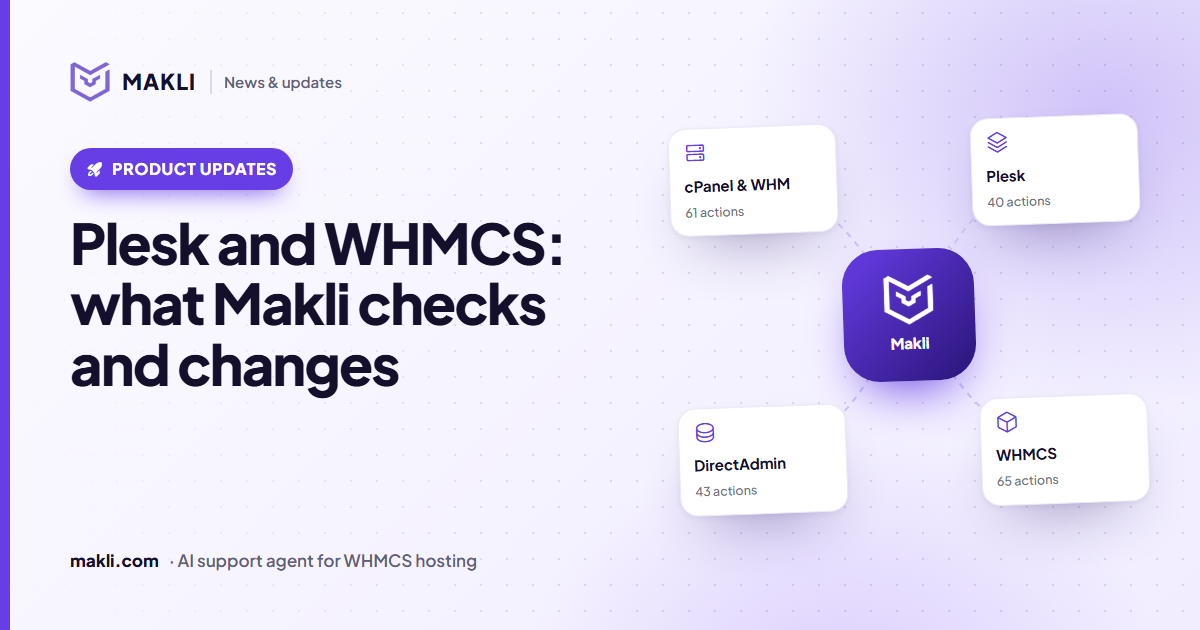
Plesk and WHMCS: what Makli checks and changes
40 Plesk actions for WHMCS hosts: subscription status, logs, PHP, mail, DNS and files. What Makli reads on its own, what waits for you, and what starts off.
 Product updates
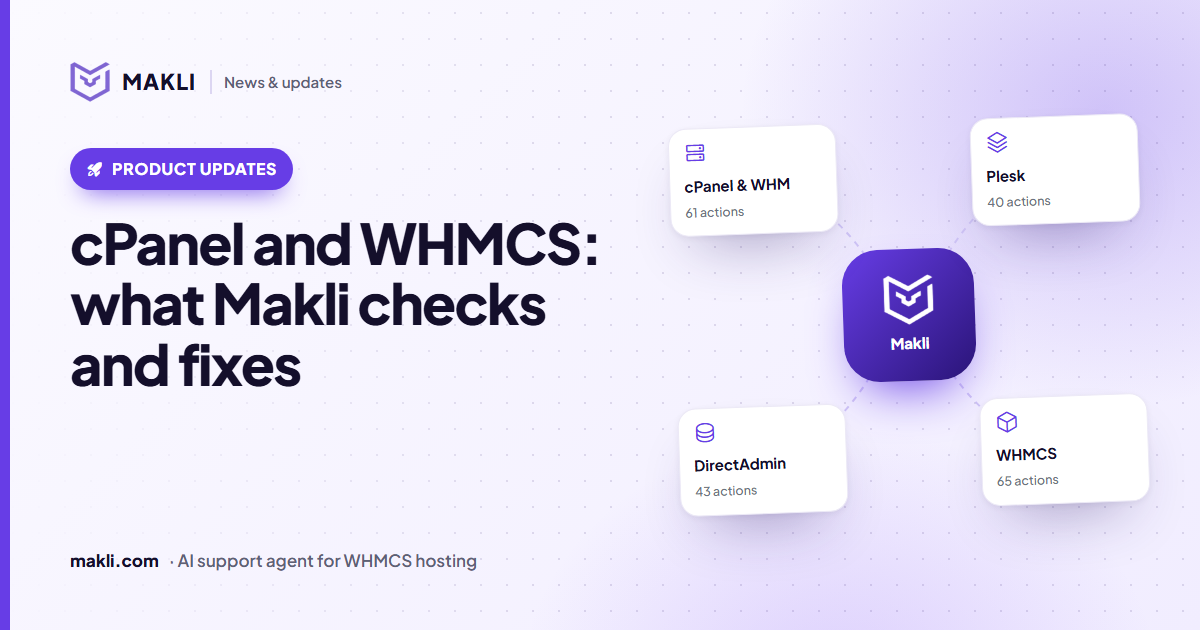
cPanel and WHMCS: what Makli checks and fixes
61 cPanel actions, from error logs and mail delivery to PHP, DNS and backups. What Makli reads on its own, what waits for you, and what starts switched off.