 MAKLI
How Makli keeps your WHMCS safe while it works on accounts
An AI agent that can act on customer accounts needs more than a password. Here are the layers that protect your WHMCS, your servers and your customers in Makli.
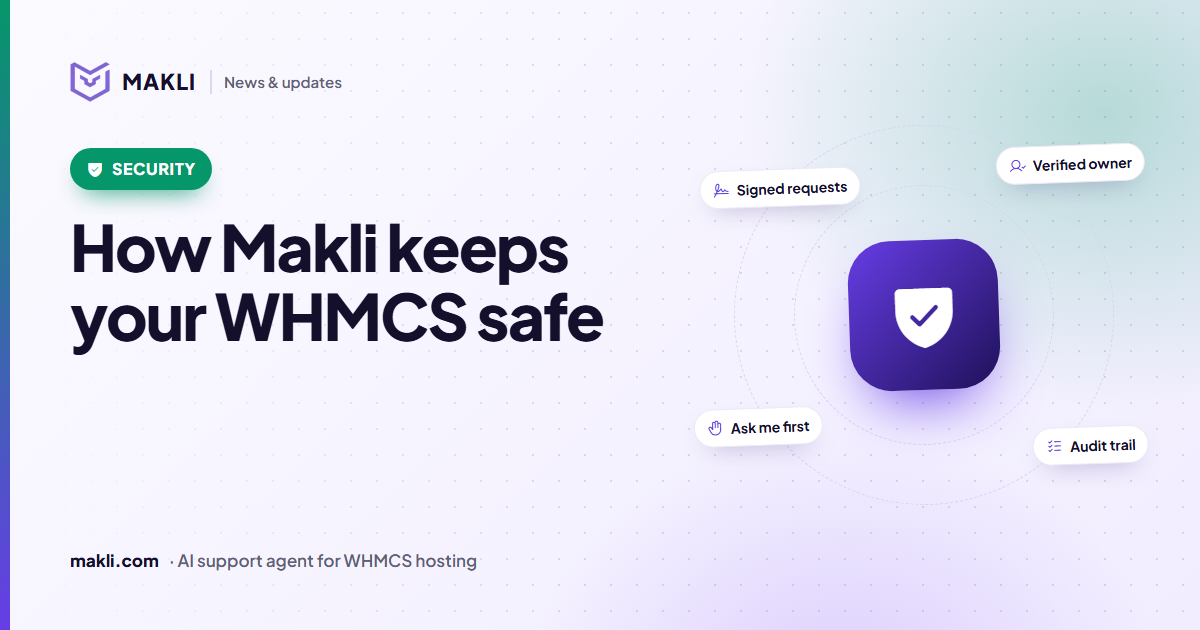
- Every request between your WHMCS and Makli is signed with your own key and can't be replayed.
- Nothing changes on an account unless you switched that action on — Off, Explain only, Ask me first or Automatic.
- Changes run only for the verified account holder; staff confirm every change Ask Makli prepares.
- Test mode, backups before file edits and read-back checks catch mistakes before your customers see them.
The question we hear most from hosting companies is a fair one: "If an AI can change things on my clients' accounts, what stops it from changing the wrong thing?" The honest answer is that no single safeguard is enough. Makli is built in layers, so that a mistake in one place is caught by another. Here is how those layers work today.
1. Every request is signed — in both directions
When your WHMCS talks to Makli, and when Makli talks back to your WHMCS, every request carries an HMAC-SHA256 signature made with your organization's own secret key. The signature covers the time, a random one-time value, the method, the path and a fingerprint of the body. Change one byte and the request is rejected. Requests older than five minutes are refused, and each one-time value can only be used once, so a captured request can't be replayed.
2. Nothing changes unless you switched it on
Makli has 248 actions. 123 of them only read — account details, logs, DNS records, invoices. The other 125 change something, and each of those has its own setting, separately for tickets and for live chat:
- Off — Makli never runs it and never offers it.
- Explain only — Makli tells the client how to do it themselves.
- Ask me first — Makli prepares it and your team approves it inside WHMCS.
- Automatic — Makli runs it, checks the result and tells the client what happened.
On top of your choices sit stricter limits that you can't accidentally loosen: sensitive, financial and destructive actions are capped more tightly in live chat, and the riskiest actions — recording a bank transfer, for example — always wait for a person.
3. Makli knows who is asking
A ticket from the account holder is not the same as an email from an unknown address. Account changes only run for the verified account holder. Guests and senders who aren't on the account get read-only help, and never see another client's personal data. Makli also never asks a client for their password.
4. Your staff stay in the loop
Inside WHMCS admin, Ask Makli helps your staff with things like renewal invoices, credits and refunds. Every change it proposes appears as a confirmation card and runs only when that staff member presses Confirm — and only within that staff member's own WHMCS permissions.
06/12/2026 – 05/01/2027$14.99
5. Try it without risk
Before Makli replies to a single customer, you can run Test Makli on real tickets. It reads everything it would normally read, and shows you the reply and the actions it would take — while holding back every change, reply and note. It's the easiest way to judge Makli on your own queue.
6. Careful hands when it acts
- Look first. Makli reads the account, the server and the logs before it changes anything.
- Backups before edits. Before a website file is edited, a backup copy is made and checked.
- Read it back. Changes such as file edits, DNS records and PHP versions are read back afterwards, so Makli reports what really happened.
- Fail closed. If a change fails, Makli doesn't tell the client it worked — your team is alerted instead.
7. Secrets stay secret
API keys, integration passwords and tokens are encrypted at rest with authenticated encryption, and Makli verifies TLS certificates on its connections. Results are redacted before they are stored, and you can choose which client fields — name, email, company, address, phone — are replaced with placeholders before anything reaches the AI.
8. And the AI?
Makli runs on Anthropic's Claude models under Anthropic's Commercial Terms, which state that Anthropic may not train models on customer content. Makli itself does not train or fine-tune models on your data. The model can only request actions through Makli's own tool layer, which applies all of the rules above before anything runs.
Want the full detail? Read our security overview and our Data Processing Agreement, or talk to us about your own security questions.
Keep reading
 Product updates
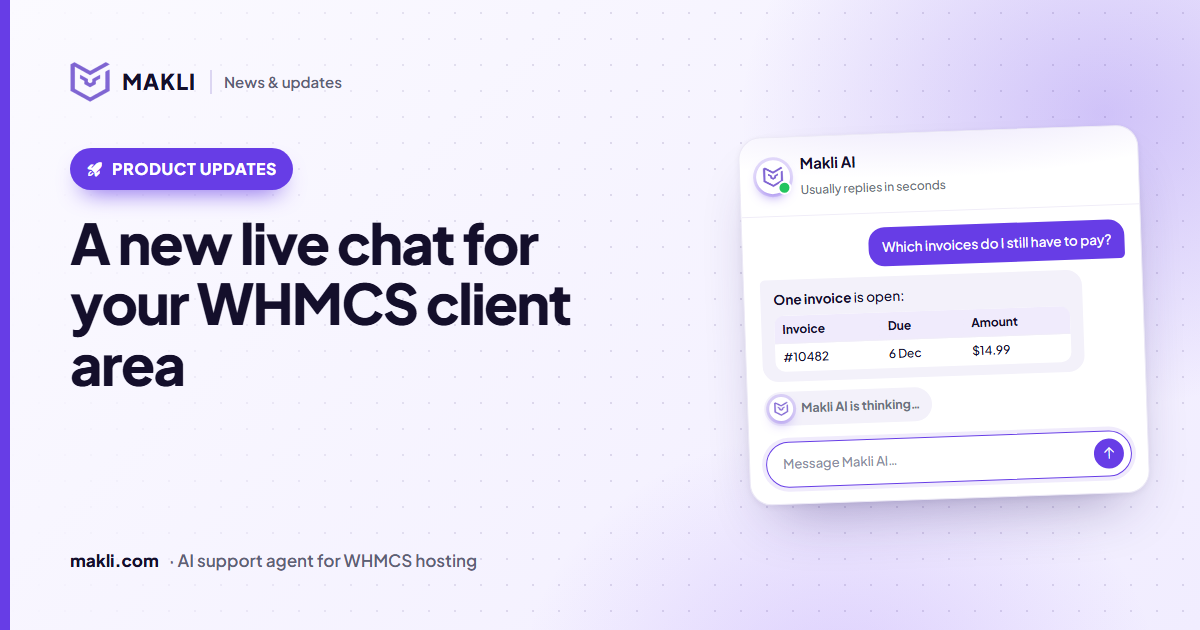
A new live chat for your WHMCS client area
Makli's live chat for the WHMCS client area has a new look: a smoother launcher, a welcoming home screen, quick topics, clear tables and a calmer wait.
 Hosting support
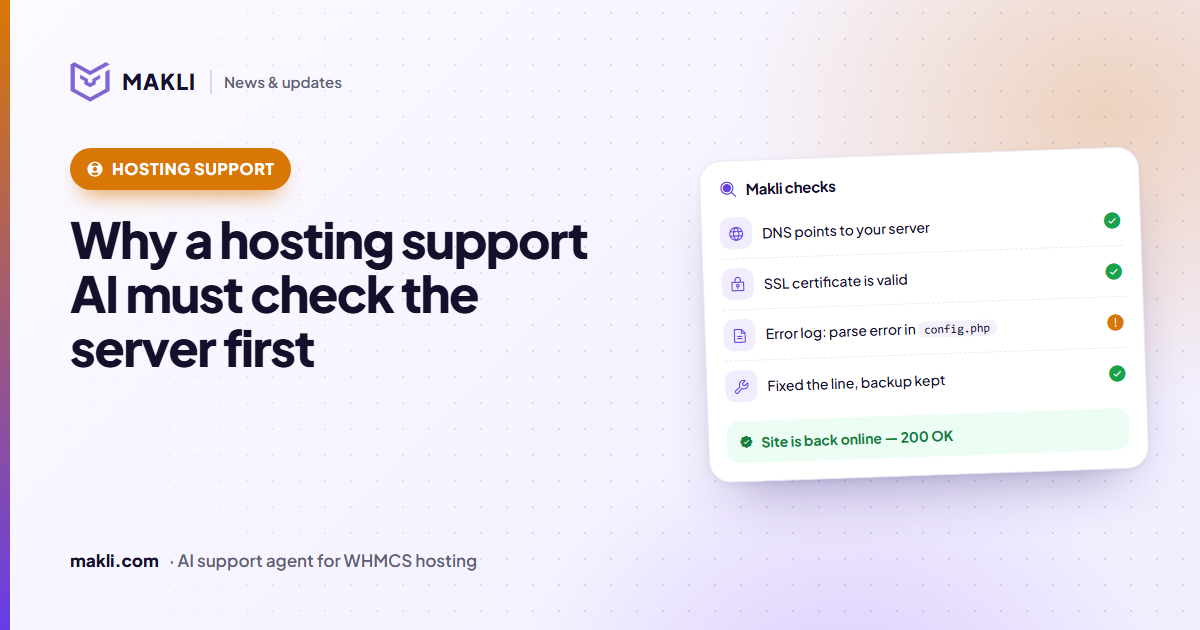
Why a hosting support AI must check the server before it answers
Generic chatbots guess. Hosting customers need answers based on their own account, DNS, logs and invoices. Four real ticket types show the difference.
 Product updates
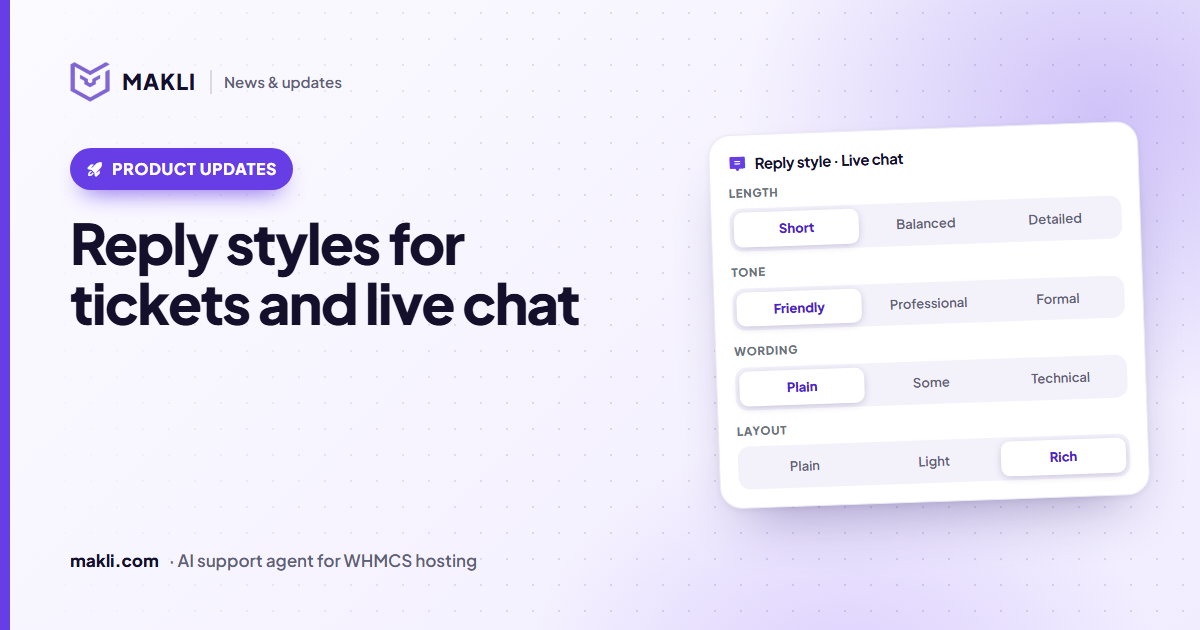
Reply styles: choose how Makli sounds in tickets and live chat
Short or detailed, friendly or formal, plain or technical, simple text or tables — set Makli's reply style separately for tickets and live chat.