
SPF, DKIM and DMARC setup: what breaks and how to fix it
Most "our emails land in spam" tickets come down to SPF DKIM DMARC setup mistakes. This guide lists the common ones, how to spot each, and the exact fix.
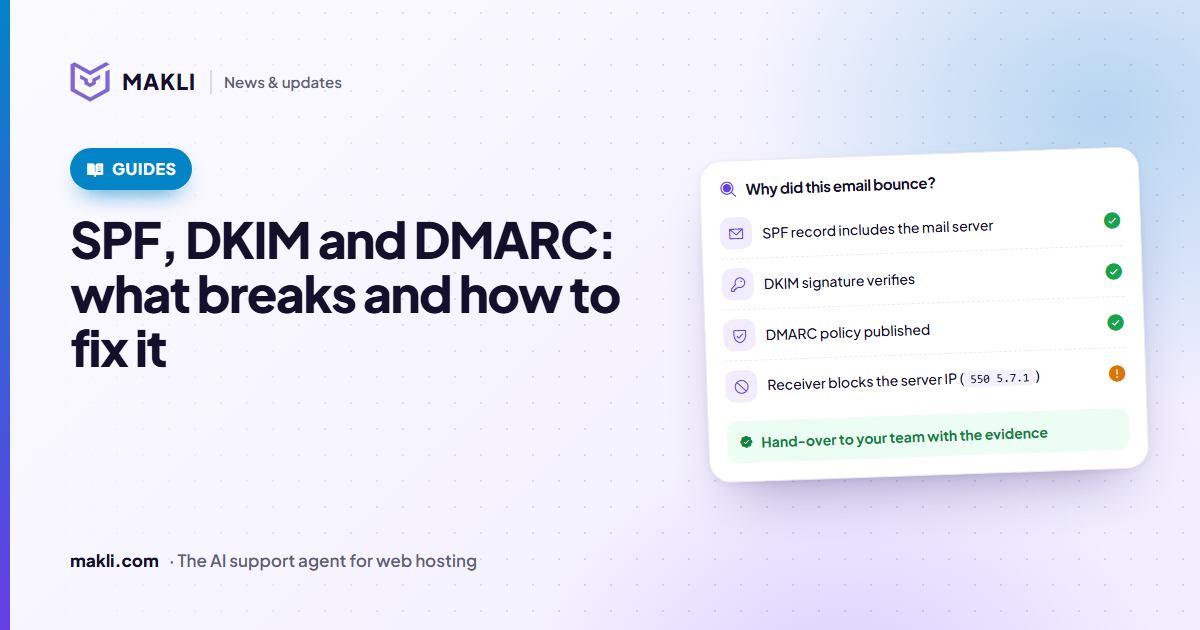
- A domain may have only one SPF record, with at most 10 DNS lookups.
- After a migration, the DKIM key in DNS often no longer matches the server.
- Publish DMARC with p=none until SPF and DKIM pass.
- Reverse DNS and blocklist removal stay with whoever controls the IP.
What SPF, DKIM and DMARC do
"Gmail rejects everything we send." These tickets are slow because the cause sits in three DNS records most clients have never looked at. A correct SPF DKIM DMARC setup means:
- SPF: a TXT record listing the servers allowed to send the domain's mail.
- DKIM: a public key in DNS. The server signs each message and the receiver checks the signature against that key.
- DMARC: tells receivers what to do with mail that fails, and where to send reports.
Gmail asks every sender for SPF or DKIM and valid forward and reverse DNS on the sending IP. Senders of more than 5,000 messages a day to Gmail users need all three, and Yahoo's rules are similar.
Why SPF, DKIM and DMARC fail
SPF
- Two SPF records on one domain: receivers treat SPF as broken. Only one is allowed.
- Quote marks or a space before
v=spf1: the record is ignored. - More than 10 DNS lookups: a permanent error, usually from old
include:terms for services no longer used. - The sending server or new mail provider is not listed, so contact forms or moved mailboxes fail.
+allat the end lets any server pass. Terms afterallare never read.
DKIM
- No key published, so DMARC depends on SPF alone.
- A different key in DNS than the server signs with, common after a migration.
- A key cut short by a DNS panel's TXT length limit, or broken by pasted quote marks.
- An empty
p=, which means the key was revoked.
DMARC
- Two records, or one not starting exactly with
v=DMARC1;: no policy applies. p=quarantineorp=rejectbefore SPF and DKIM pass: the domain tells receivers to junk its own mail.
How to check SPF, DKIM and DMARC for a domain
Makli's read-only action Check email deliverability needs only the domain. In one run it checks MX, SPF (evaluated for the IP mail really leaves your server from, with a lookup count), DKIM (the key your cPanel, Plesk or DirectAdmin panel signs with against the key in public DNS), DMARC policy and alignment, reverse DNS, the Spamhaus ZEN, SpamCop and Barracuda blocklists, and mail ports and certificate when mailboxes are on your server.
Each finding is pass, warning, problem, could not check or info. "Could not check" is never reported as fine: if a blocklist refuses the query, the result is not "clean".
When MX points to Google Workspace or Microsoft 365, your server only sends website mail. An SPF record that leaves it out is a warning: contact forms fail, mailboxes do not. The Google Workspace post covers that case.
How to fix your SPF, DKIM and DMARC setup
For each problem the check returns the corrected record. For SPF: the existing record with the missing sender added, duplicates merged and +all changed to ~all. Where it goes depends on who hosts DNS:
- Your nameservers: Makli can fix the SPF record, turn on DKIM signing or add a DMARC record on cPanel, Plesk and DirectAdmin. Each is set to Ask me first by default.
- DNS elsewhere, such as Cloudflare or a registrar: Makli changes nothing and gives the exact type, host and value.
The SPF fix keeps every existing term and refuses a record that still exceeds 10 lookups. The DMARC action only adds a record where none exists, with p=none unless the client asks for stricter. After a change Makli reads the zone again and does not call it fixed until it can confirm the record. Approval modes are explained in choosing what Makli may do per action.
What stays with your team
- Reverse DNS: a PTR record is set by whoever controls the IP. Makli reports it and hands the ticket over.
- Blocklist removal: the cause, often a compromised mailbox or script, has to be found before delisting.
- Inbox placement: Makli cannot see content, volume or private reputation data, so it never promises the inbox.
What each action may touch is on the security page. To run the check on your own spam-folder tickets, see pricing.
Frequently asked questions
Can a domain have two SPF records?
No. Only one SPF record is allowed per domain. With two, receivers treat SPF as broken for all mail. Merge them into a single TXT record starting with v=spf1 that lists every sender, and end it with ~all or -all.
What is the SPF 10 lookup limit?
Receivers stop after 10 DNS lookups when evaluating SPF and return a permanent error. Each include:, a, mx and similar term counts. Remove includes for services the domain no longer uses before adding new ones.
What DMARC policy should I start with?
Start with p=none, which only monitors and sends reports. Move to p=quarantine or p=reject only once SPF and DKIM pass for all mail the domain sends, or the domain will tell receivers to junk its own messages.
Why does DKIM fail after moving to a new server?
The DNS zone often still holds the old server's public key, while the new server signs with a different one. Every signature then looks broken. Publish the key the new server actually signs with, as one unbroken value without stray quote marks.