How to change PHP version in cPanel, Plesk and DirectAdmin safely
How to change PHP version in cPanel, Plesk and DirectAdmin without guessing: read the version the website really uses, choose one that is installed, and confirm the switch worked.
On this page
- Read the website's own PHP version, not the server default.
- Only request a version that is installed on that server.
- A panel saying OK is not proof: read the version back.
- Note the old version so you can switch back fast.
How to check the PHP version a website really uses
PHP version tickets look small, but they go wrong in four ways: the version you read is not the one the site uses, the version asked for is not installed, the panel accepts the change and nothing happens, or the change works and the code does not. Knowing how to change PHP version in cPanel starts with reading the right setting.
On cPanel with MultiPHP, each website on an account can run its own version, with a server default on top. A lookup that returns the default gives a confident, wrong answer. Makli asks cPanel for the account's websites with the PHP version of each and takes the row for the domain in the ticket. If the domain is an alias, it says which website's version it is showing.
On Plesk the answer is a handler, such as plesk-php82-fpm: the version plus the way PHP runs. On DirectAdmin, Makli reads the domain's selected version and the versions installed. If the PHP selector is switched off there, the reply says the version cannot be changed per domain.
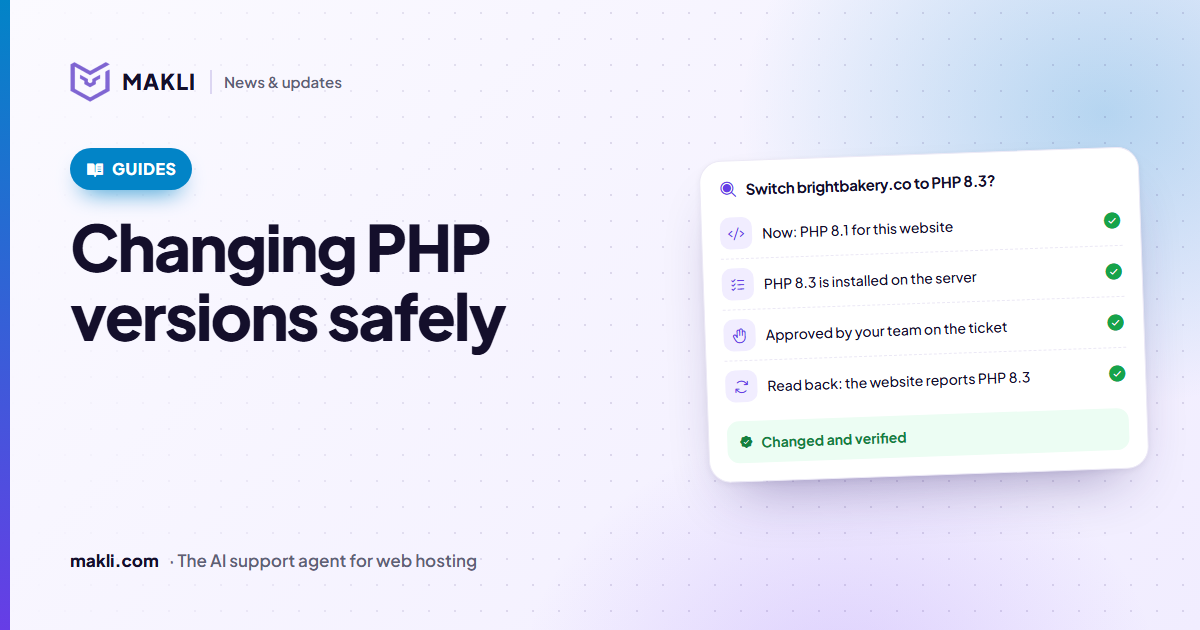
Write the current version in the ticket before changing anything. Switching back is the same action with the old version.
Choose a PHP version that is installed
Clients ask for "8.2", "PHP 8.2" or "the latest". A panel only offers installed versions, and each panel names them differently. Makli maps the request to the panel's own name and checks the installed list first:
- cPanel: "8.2" becomes the EasyApache package
ea-php82. - Plesk: the installed 8.2 handler, preferring FPM, then FastCGI, then CGI.
- DirectAdmin: the PHP selector slot that holds 8.2.
If the version is not installed, nothing changes and the reply lists what is available. The domain also has to belong to the client's own account or subscription. If it does not, Makli refuses and lists the domains that do.
How to change PHP version and confirm it worked
Makli reads the setting again after every PHP version change and reports one of three results:
- The new version reads back: changed and verified. On cPanel and DirectAdmin the reply also names the version it replaced.
- The old version is still there: the panel accepted the request, but the change is not confirmed.
- The setting cannot be read back: accepted but not verified, and Makli claims no more than that.
The opposite happens too. Some cPanel servers return an error even though the change went through. Before reporting a failure, Makli reads the version back. If it still has not changed, it retries through WHM for that website and keeps the PHP-FPM setting as it was.
Why a site breaks after a PHP upgrade
A correct version change can still leave a white page. The usual causes:
- An old handler line in .htaccess. A leftover
AddHandlerline can force the old version or break the site. Makli can read .htaccess on all three panels. - Code not ready for the new version. Functions removed in PHP 8 and old plugins cause fatal errors. The PHP error log usually names the file and line, and Makli reads it on all three panels.
- A limit, not the version. "Allowed memory size exhausted" or an upload_max_filesize error is a PHP setting. On cPanel and Plesk, Makli can change one of seven settings, such as memory_limit, within a set range, with the before and after values in the reply.
If the new version breaks the site and the code cannot be fixed quickly, switch back to the version you noted. The client can then plan the upgrade.
Who approves a PHP version change
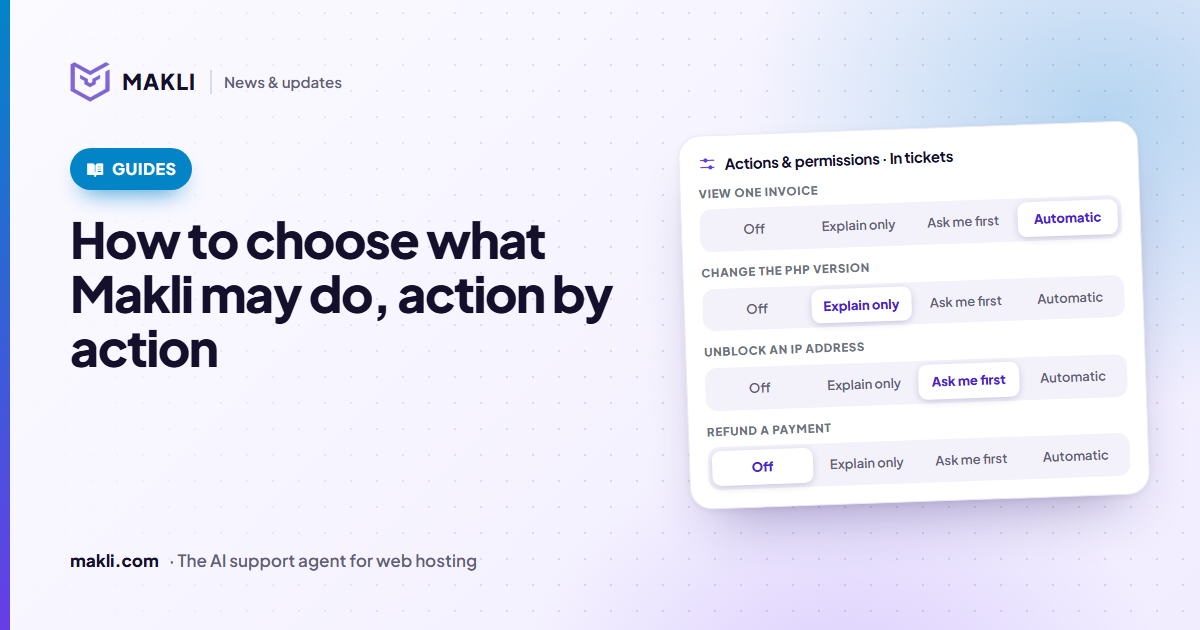
Checking the version is a read and runs on its own under the Safe start preset. Changing it waits on the ticket until a staff member approves. If you prefer clients to switch versions themselves, set the action to Explain only and Makli tells them how. Choosing what Makli may do per action covers the four settings.
For everything else Makli does on these panels, see the cPanel overview, or read how server requests are protected on the security page.
Frequently asked questions
How do I change the PHP version in cPanel?
Open MultiPHP Manager in cPanel, tick the website, choose an installed version and apply. Each website on the account can have its own version, so check the row for the right domain. Then confirm the version the website reports, because the server default can differ from the website's own setting.
How do I check which PHP version my website uses?
Read the per-website setting in the panel, not the server default. In cPanel that is MultiPHP Manager, in Plesk the PHP handler of the domain (for example plesk-php82-fpm), and in DirectAdmin the domain's selected version in the PHP selector.
Why is my site showing a white page after a PHP upgrade?
Usually the code uses functions removed in the new version, or an old plugin is not compatible. Check the PHP error log for the file and line. A leftover AddHandler line in .htaccess can also break the site. If it cannot be fixed quickly, switch back to the previous version.
Can I change PHP version per domain in DirectAdmin?
Yes, if the PHP selector is enabled on the server: you pick one of the versions installed in its slots. If the selector is switched off, the version cannot be changed per domain, and asking for the version the domain already uses changes nothing.