cPanel and WHMCS: what Makli checks and fixes
61 cPanel actions, from error logs and mail delivery to PHP, DNS and backups. What Makli reads on its own, what waits for you, and what starts switched off.
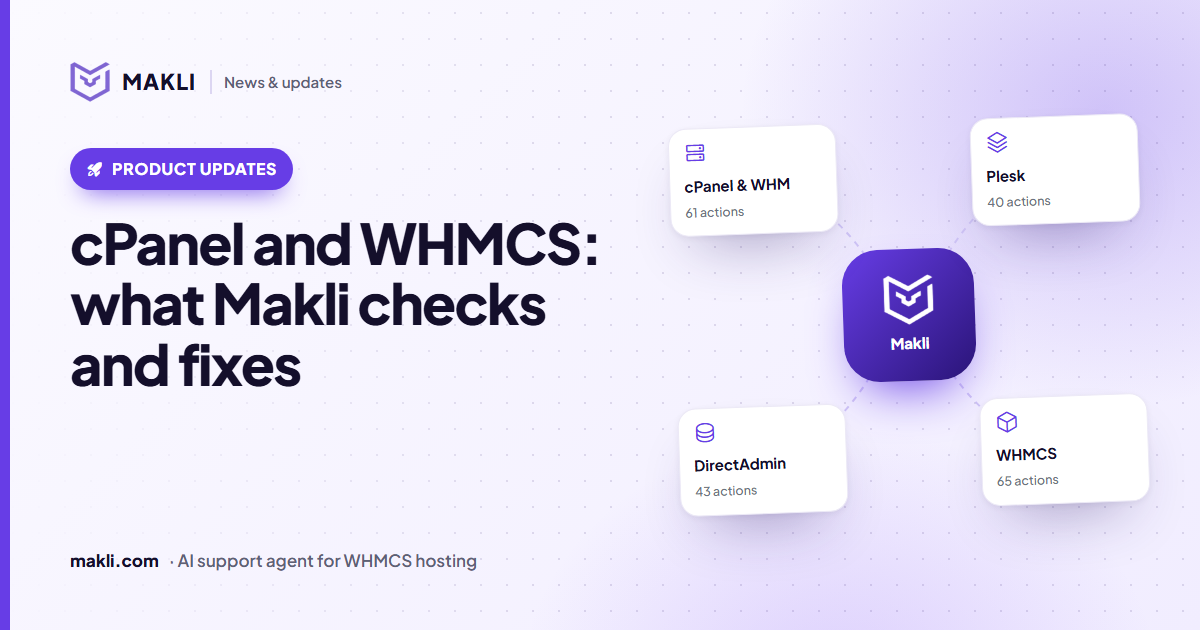
- Makli has 61 cPanel actions: 24 that only read and 37 that change something.
- Reads run on their own; changes start on Ask me first; the 7 that delete or overwrite start Off.
- Changes are checked afterwards: file edits are read back, PHP versions are re-read, DNS zones are read again.
- Makli only touches the cPanel account that belongs to the client on the ticket, found from WHMCS, never from a name typed in the message.
Most tickets at a cPanel host are about one account: "my site shows a 500 error", "mail to Gmail bounces", "I need a bigger upload limit", "can you restore yesterday's backup?". Answering any of them starts the same way. Someone logs in to WHM, finds the account, opens the right cPanel page and reads. Makli does that reading through cPanel's own APIs, so its first reply is based on the account, not on a list of possible causes.
This post covers what Makli can check and change on a cPanel account sold through WHMCS, and the rules it keeps while doing it.
Which account Makli looks at
Makli works from the hosting services in the client's WHMCS account. The service tells it which cPanel server and which cPanel user to use. If the client has one cPanel service, that is the one; if they have several, Makli matches the domain they mention or asks which one they mean. A username or server named in the message is never used to pick an account.
Before it tells a client "that domain is not hosted with us", Makli searches every one of your cPanel servers for it, including addon, parked and subdomains inside an account and domains on a reseller's sub-accounts. A domain found on another customer's account is reported as "not yours", with no details about that account.
What it reads
24 of the 61 cPanel actions only read. They run automatically by default, because they change nothing:
| Area | What Makli can see |
|---|---|
| Account | Suspension, disk and bandwidth against the plan, resource limits (and on CloudLinux, how often CPU, memory or process limits were hit) |
| Website | Web server and PHP error logs, access log, PHP version and settings, a WordPress install's version, plugins and debug settings |
| Mail routing against the public MX records, the delivery log with the receiving server's reason, mailbox usage by folder, mail app settings | |
| Files and databases | Folder listings, text files such as .htaccess, a table check on one database |
| DNS, SSL, backups | Zone records, certificates and expiry dates, available JetBackup and cPanel backups |
Two rules apply to the reads. Passwords, keys, salts and tokens in files and logs are replaced with a marker before Makli sees them, so a wp-config.php can be read without exposing the database password. And anything that lists the account's mailboxes, FTP logins, databases, cron jobs, files, mail log or visitors' IP addresses is shown only to a verified account holder.
 Makli
What it can change, and how it checks
The other 37 actions change something: create a mailbox or a subdomain, raise a mailbox quota, reset a password, change a DNS record, switch a PHP version, add a cron job, run AutoSSL. The useful part is not that Makli can call these APIs. It is what happens around each call.
Files: backup first, nothing deleted
Makli can edit a text file up to 1 MB, such as .htaccess, .user.ini or wp-config.php. It saves a backup copy first and checks that the copy exists; if the backup cannot be confirmed, nothing is written. After the edit it reads the file back and compares it. Files stay inside the account's home folder, and SSH keys, mail stores and credential files are off limits. To switch off a broken WordPress plugin, Makli renames its folder instead of deleting it, and any edit can be undone from Makli's backup.
PHP: only within limits, and confirmed
A PHP version change is checked against the versions actually installed on the server. Afterwards Makli reads the version back; if cPanel accepted the request but the domain still reports the old version, the reply says the change is not confirmed. For PHP settings, Makli can change seven of them, each within a range: memory_limit from 32M to 4G, for example, or max_execution_time up to an hour. It reports every value before and after.
DNS: only your own zones, one record at a time
Makli edits or deletes a DNS record only when your server actually serves that domain's DNS. If the records live at the registrar or at Cloudflare, it changes nothing and gives the client the exact record to add there. It changes one record per action; when several records share a name, it lists them and asks which one. It never touches SOA or NS records, and it reads the zone again afterwards to show the result.
Email authentication
The SPF fix keeps every existing entry, adds the IP the domain really sends mail from, merges duplicate SPF records into one, and refuses a result that would go over SPF's 10-lookup limit. DKIM is switched on in cPanel and its key published in your zone, or handed to the client when their DNS is elsewhere. A new DMARC record starts at p=none unless the client asks for something stricter.
Cron jobs
A new cron job may run at most every five minutes, and commands such as rm -rf, mkfs or shutdown are refused.
Who decides
Every change starts on Ask me first: on a ticket, the action waits in your approval queue and no reply goes out until someone on your team decides. In live chat, nothing that changes the account runs by default; the client is offered a ticket instead. The seven actions that delete or overwrite (deleting a mailbox, a cron job or a DNS record, resetting a DNS zone, changing an account's main domain, suspending an account and restoring a backup) start Off, so Makli cannot use them until you turn them on.
Some limits stay whatever you choose. Releasing outgoing mail that was held, for example from a hacked mailbox sending spam, always waits for a person. Password resets and login details go only to a verified client. Three repair actions (unsuspending an account, repairing a database and running AutoSSL) may also be done for a sender Makli has identified as the account holder but not fully verified; everything else that changes the account needs a verified client. You can change each mode later, one action at a time. More on modes and approvals in how Makli keeps your WHMCS safe, and on why reading comes first in why a hosting support AI must check the server.
Curious what Makli would have answered on your last cPanel tickets? Test Makli runs on your real tickets, only reads, and changes nothing. Start free and try it on yours.
Keep reading
 Product updates
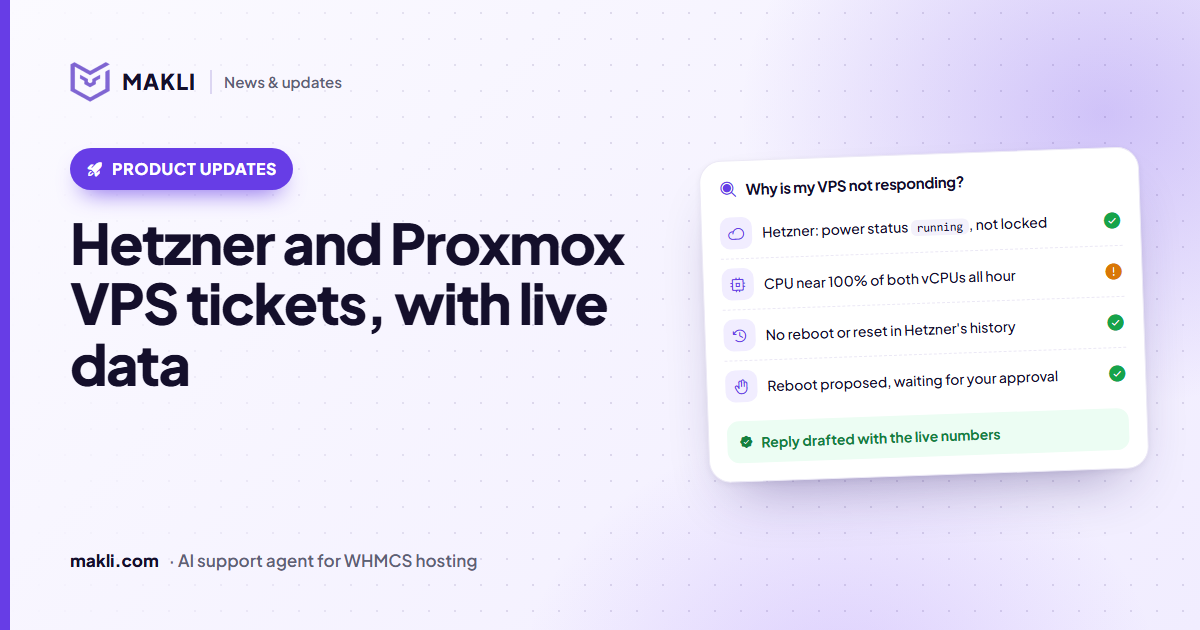
Hetzner and Proxmox VPS tickets, answered with live data
"My VPS is down" needs facts, not guesses. What Makli reads from Hetzner Cloud and Proxmox VE, what it can change, and what it will never claim.
 Product updates
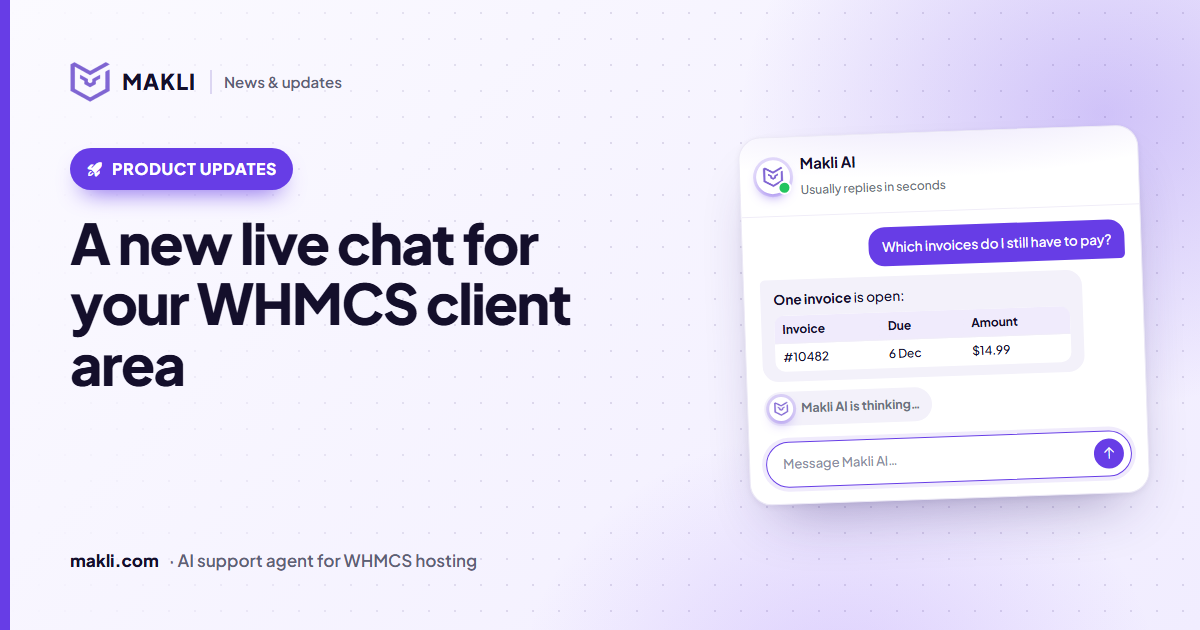
A new live chat for your WHMCS client area
Makli's live chat for the WHMCS client area has a new look: a smoother launcher, a welcoming home screen, quick topics, clear tables and a calmer wait.
 Hosting support
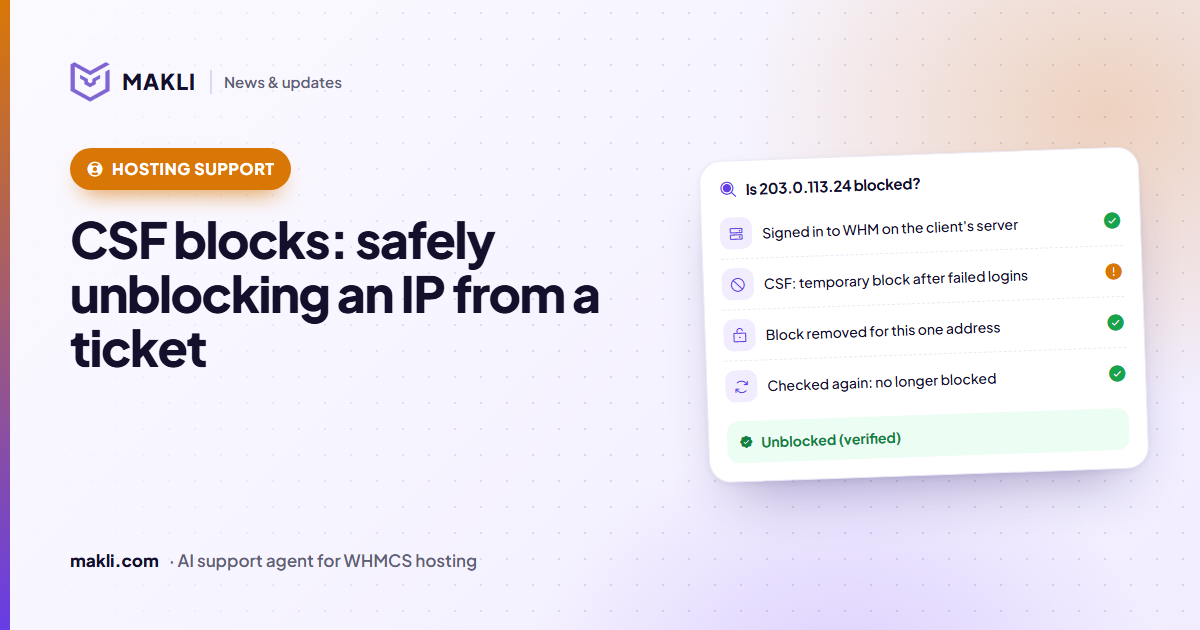
CSF firewall blocks: safely unblocking an IP from a ticket
"I can't log in to cPanel" is often a CSF or cPHulk block. How Makli finds the block, removes only that one, and checks again before it tells the client.