 MAKLI
CSF firewall blocks: safely unblocking an IP from a ticket
"I can't log in to cPanel" is often a CSF or cPHulk block. How Makli finds the block, removes only that one, and checks again before it tells the client.
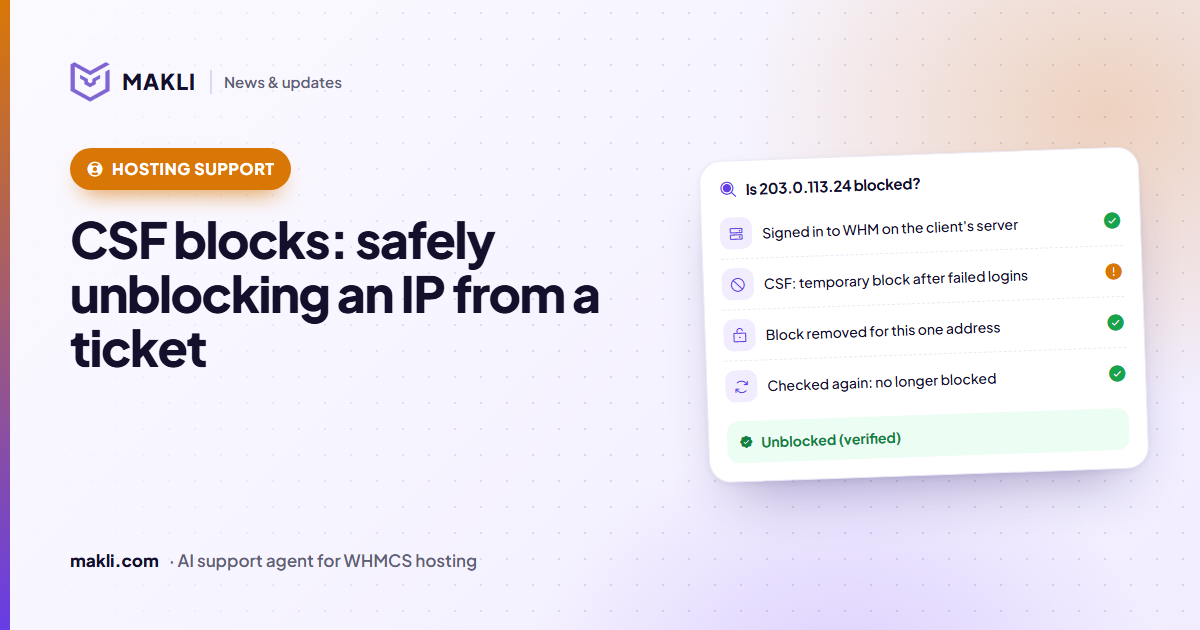
- Many "can't log in" and "site times out from the office" tickets are a firewall block on one IP address.
- Makli reads CSF and cPHulk first, removes only the block it found, then searches again before it reports success.
- A server it could not check is reported as unchecked, never as "not blocked".
- Permanently allowing an IP is a separate action with stricter rules; both wait for your approval by default.
A client writes: "cPanel won't load", "webmail keeps timing out", or "the site works on my phone but not in the office". Very often nothing is wrong with the account. The server's firewall has blocked the client's IP address, usually after a few failed logins. A phone with an old mailbox password that retries every few minutes is enough to do it, and then everyone behind that office connection is locked out.
For a technician the fix is quick. Getting there takes longer: which server, which IP address, which list the block is on, and whether it is really gone afterwards. This post shows how Makli handles these tickets on cPanel & WHM servers running CSF (ConfigServer Security & Firewall), and where it deliberately stops.
Four ways an unblock goes wrong
- The wrong IP. The address on the ticket is not always the one that is blocked. The client may have written from mobile data, a VPN or another office.
- A range, not an address. A rule like
203.0.113.0/24incsf.denyblocks 203.0.113.24, even though searching the file for that exact address finds nothing. - Two blockers, not one. cPHulk, cPanel's brute-force protection, keeps its own list. Clear CSF and leave cPHulk, and the client still cannot sign in.
- "Not blocked" when nobody looked. If WHM did not answer, or CSF is not installed, the honest result is "could not check", not "you're not blocked".
What Makli does, step by step
- It takes one address. On a ticket, Makli works from the IP that WHMCS recorded with the ticket (or the client's last login IP) and from any address the client writes in the ticket. In live chat it is the address the chat comes from. It accepts a single public address only. Ranges, loopback and multicast addresses are refused, and nothing is changed.
- It picks the right servers. Makli works on the cPanel & WHM servers behind the client's services, or the server of one service if the ticket is about one. Each server is checked once. Plesk and DirectAdmin servers are skipped, because Makli reaches CSF through WHM.
- It reads before it changes anything. Makli signs in to WHM and runs CSF's own search for the address, the same search an administrator gets from
csf -g. It also reads cPHulk's list of blocked addresses. Matching is by whole address, so 1.2.3.4 is never confused with 11.2.3.45. Ranges, IP sets and country lists that contain the address count as blocks, and the reason CSF recorded is kept. - It removes only what it found. If CSF holds a block for the address, Makli removes that address's permanent and temporary entries. It clears the address's cPHulk login history only if cPHulk actually held a block.
- It checks again. Makli runs the same CSF search a second time. It reports "unblocked" only if that second search shows the block is gone.
Is 203.0.113.24 blocked?
What the result says
Makli reports each server on its own, so the reply never claims more than the checks showed:
| Result on a server | What the client is told |
|---|---|
| Unblocked (verified) | The block was found and removed, and the second check confirmed it. |
| Not blocked (verified) | The firewall was read and holds no block, so the cause is somewhere else. |
| Still blocked after the attempt | Nothing is promised. The ticket needs a person, with the reason CSF recorded. |
| Unblock sent, could not re-check | The client is not told it is fixed. They are asked to try again. |
| Could not check | The server is named as unchecked. It is never reported as "not blocked". |
Unblocking is not the same as allowing
Unblocking removes today's block. Permanently allowing an address adds it to csf.allow, so CSF will not block it again. Makli treats this as a separate action with stricter rules:
- It refuses private and internal addresses (192.168.x.x, 10.x.x.x and the like), carrier-grade NAT addresses (100.64.0.0/10), ranges, and your own server IPs. If a client sends their router's private address, Makli asks for their public IP.
- It needs a verified account holder. Unblocking is one of the few changes Makli may also make for a sender it has identified as the account holder but not fully verified. Allowing an address permanently is not.
- It checks first whether the address is already allowed, and confirms afterwards that it now is.
A permanent allow makes sense for a fixed office address. For most home and mobile connections the address changes, so the better fix is to find what kept failing, usually a saved password in a mail app. The block reason CSF records, such as repeated failed logins, gives the reply something concrete to tell the client.
You decide how far it goes
Both actions change the server, so both start on Ask me first. On a ticket, the unblock waits in the approval queue and no reply is sent until someone on your team decides. In live chat nothing runs and the client is offered a ticket. Once you have seen it work, you can switch the unblock to Automatic and leave permanent allows on Ask me first, or turn either one off. Read more about these modes in how Makli keeps your WHMCS safe, and about why checking first matters in why a hosting support AI must check the server.
Want to see how Makli would handle your own "I can't log in" tickets? Test Makli runs on real tickets, reads only, and changes nothing. Start free and try it on yours.
Keep reading
 Hosting support
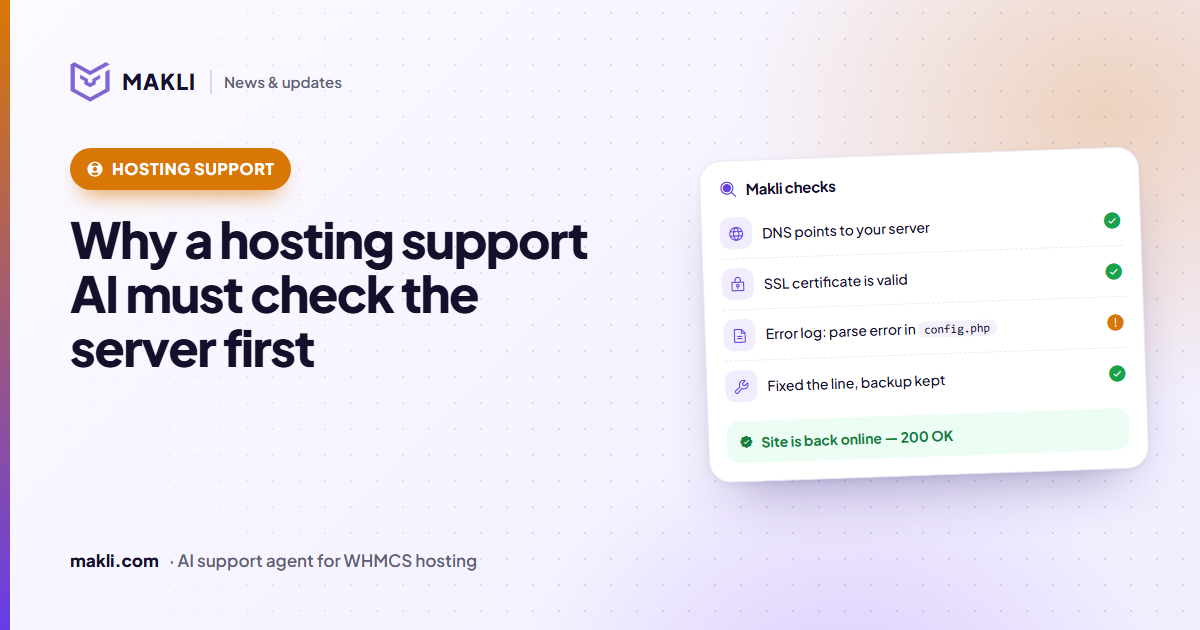
Why a hosting support AI must check the server before it answers
Generic chatbots guess. Hosting customers need answers based on their own account, DNS, logs and invoices. Four real ticket types show the difference.
 Product updates
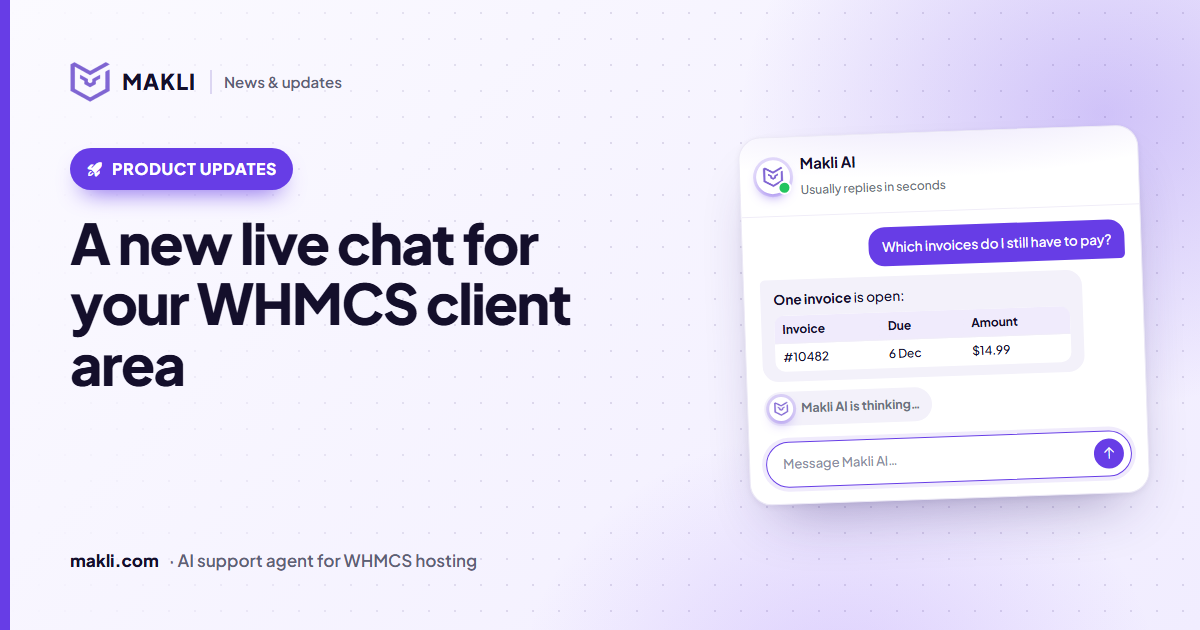
A new live chat for your WHMCS client area
Makli's live chat for the WHMCS client area has a new look: a smoother launcher, a welcoming home screen, quick topics, clear tables and a calmer wait.
 Security
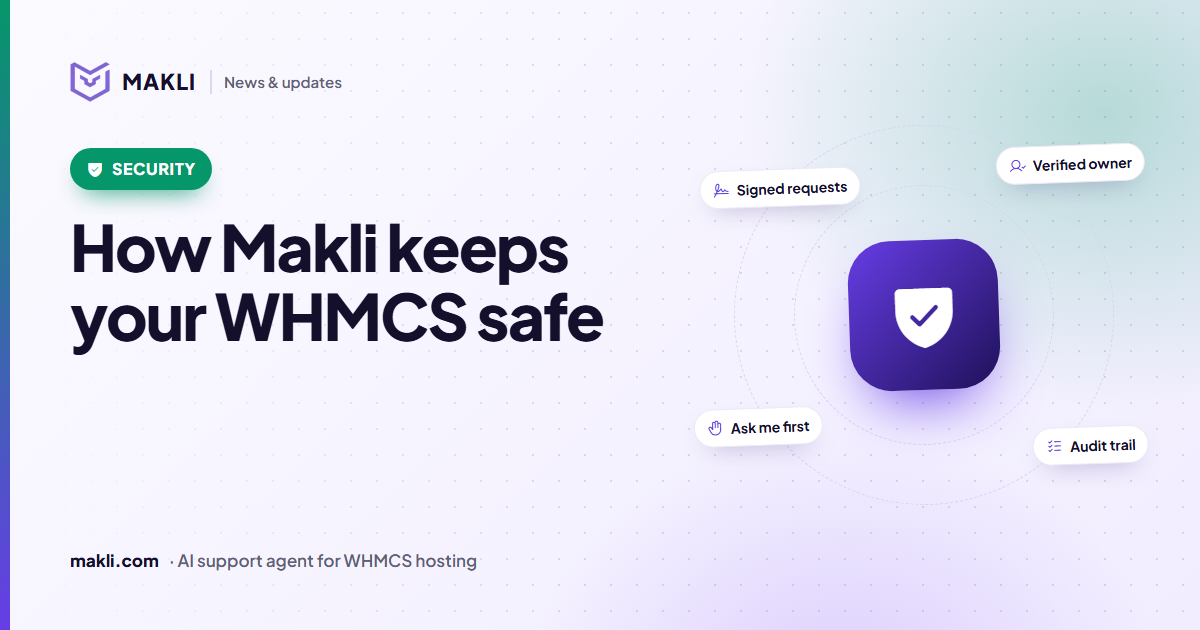
How Makli keeps your WHMCS safe while it works on accounts
An AI agent that can act on customer accounts needs more than a password. Here are the layers that protect your WHMCS, your servers and your customers in Makli.