 MAKLI
Why a hosting support AI must check the server before it answers
Generic chatbots guess. Hosting customers need answers based on their own account, DNS, logs and invoices. Four real ticket types show the difference.
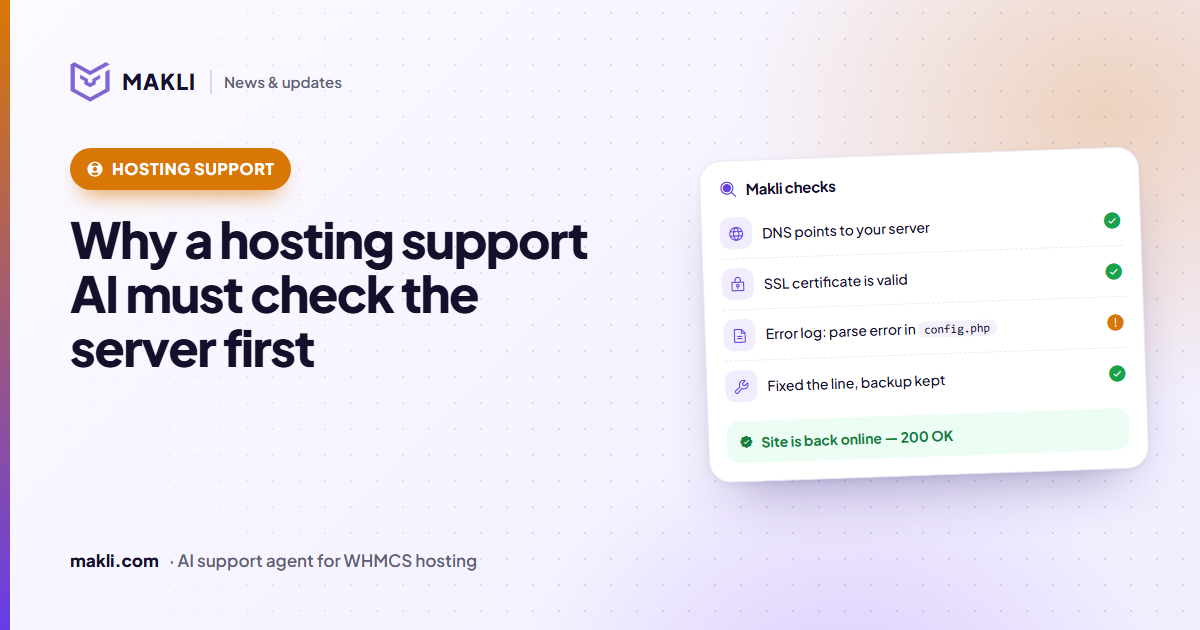
- In hosting support the answer usually lives in a system: the account, DNS, error logs, the mail log or the invoice.
- An assistant that doesn't look there can only list possible causes — the customer still does the detective work.
- Four everyday tickets show the difference: a 500 error, a bounced email, a paid invoice and a domain pointing elsewhere.
- Five questions help you judge any AI support tool before you trust it with your customers.
Most "AI chatbots" for hosting companies are good at one thing: sounding helpful. Ask about a broken website and you get a list of ten possible causes. Ask about a bounced email and you get a generic paragraph about spam filters. The customer still has to do the detective work — or open a ticket anyway.
Hosting support is different from most support. The answer almost always lives in a system: the client's account in WHMCS, their DNS, their server's error log, their mail queue, their invoices. An assistant that doesn't look there is guessing. Here are four everyday tickets that show why checking first matters.
1. "My website shows a 500 error"
The guess: "This may be caused by a plugin conflict, a corrupt .htaccess file, PHP limits or file permissions. Try disabling your plugins…"
The check: confirm the domain points to your server and the account isn't suspended, then read the account's PHP error log. In a real case we handled, the log named the exact file and line: a missing semicolon in a configuration file. Fixing that one character — after taking a backup — brought the site back, and a second check confirmed the page answered 200 OK again.
The difference for the customer: a fixed website and a one-sentence explanation, instead of homework.
2. "My emails to Hotmail are bouncing"
The guess: "Please check your SPF and DKIM records."
The check: look at the domain's SPF, DKIM and DMARC records and at the mail delivery log. Often the client's records are perfectly fine and the bounce text says the sending server's IP address is on the receiver's block list. That's not something the client can fix — it's a job for your team, and the right reply says exactly that, with the evidence attached for whoever picks it up.
Why did this email bounce?
550 5.7.1)3. "I paid — please activate my service"
The guess: "Thank you, our billing team will check your payment."
The check: read the invoice, its balance and its transactions. Sometimes the invoice is already paid and the service is already active — the client simply didn't see the email. Sometimes a client lists invoice numbers that don't exist, because two items were merged into one invoice. An answer that says which invoices are paid and which amounts belong where saves a back-and-forth that would otherwise take a day.
4. "My site isn't working" — but it's not even pointing at you
The guess: a long list of server-side causes.
The check: resolve the domain. If it points to another provider, or its nameservers changed last night, no amount of server debugging will help. One DNS lookup turns a frustrating thread into a clear answer: "Your domain now points to X, here's what to change."
What "checking first" requires
To answer like this, an AI assistant needs more than a knowledge base:
- Access to the real account — services, domains, invoices and tickets in WHMCS.
- Access to the servers — cPanel, Plesk or DirectAdmin logs, DNS zones, mailboxes and PHP settings.
- Diagnostics that combine them — DNS, WHOIS, HTTP, SSL and firewall checks in one step.
- Strict permissions — so reading is easy, but changing anything is something you decided to allow.
- Honesty about limits — when a person is needed, a clear hand-over with what was already found.
Questions to ask any AI support vendor
- Does it read the customer's real account and servers, or only your help articles?
- Can you decide, action by action, what it may change on its own?
- Does it verify who is asking before it touches an account?
- Can you test it on real tickets without anything being sent?
- Does it check the result of a change before telling the customer it worked?
Those five questions are exactly what we built Makli around. If you'd like to see it on your own tickets — in test mode, with nothing sent — start free.
Keep reading
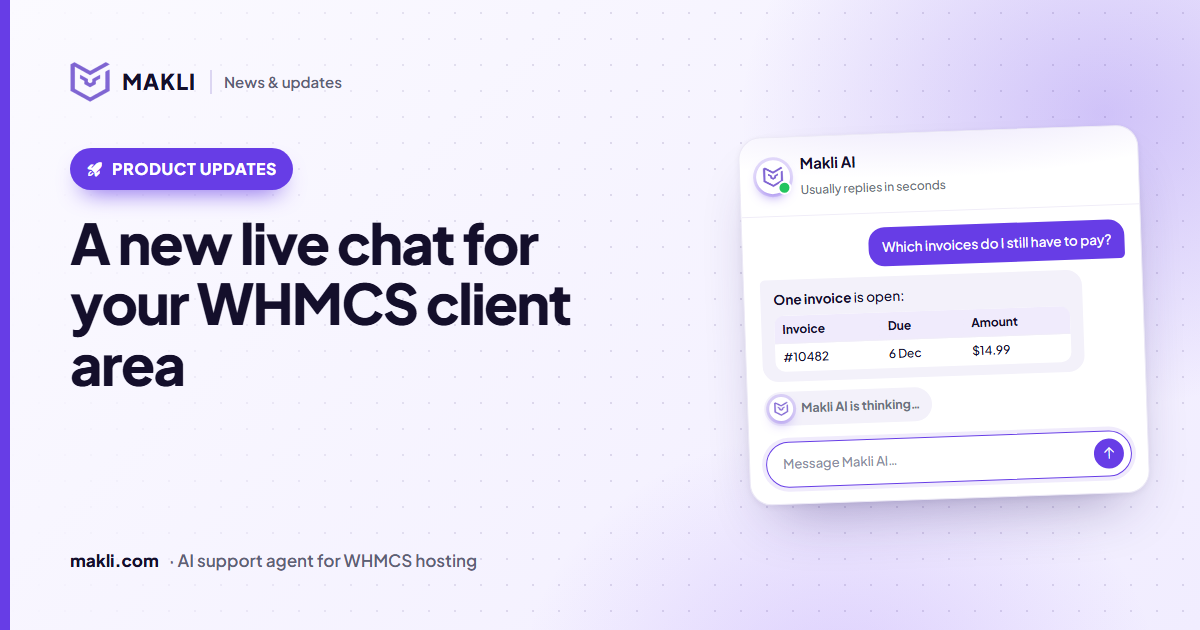 Product updates
A new live chat for your WHMCS client area
Makli's live chat for the WHMCS client area has a new look: a smoother launcher, a welcoming home screen, quick topics, clear tables and a calmer wait.
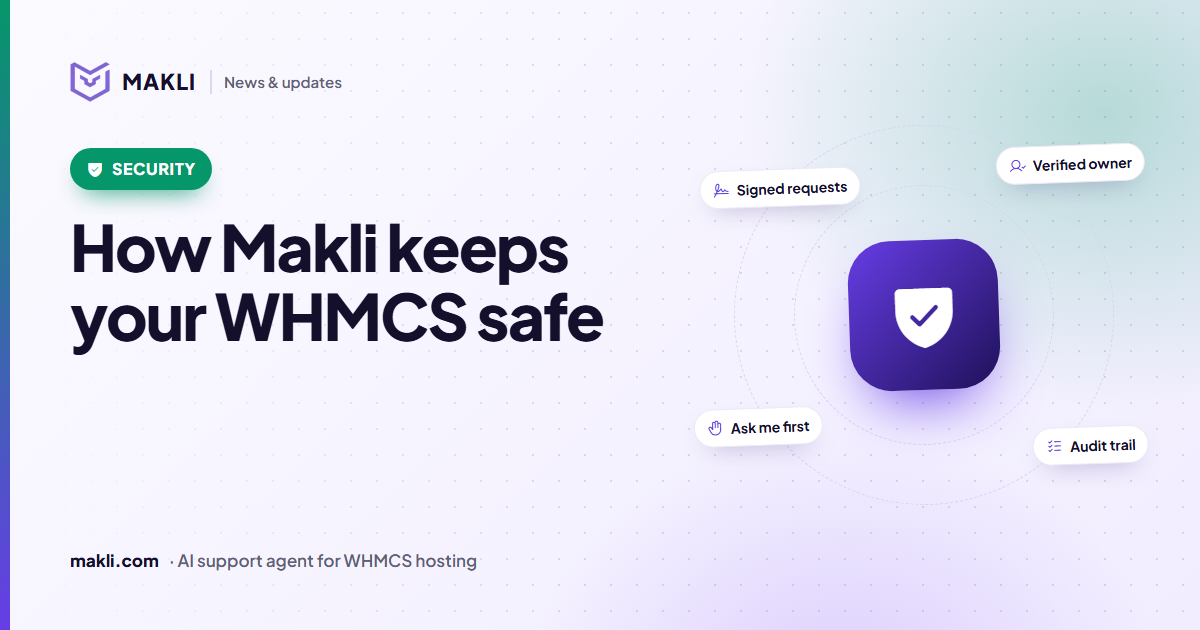 Security
How Makli keeps your WHMCS safe while it works on accounts
An AI agent that can act on customer accounts needs more than a password. Here are the layers that protect your WHMCS, your servers and your customers in Makli.
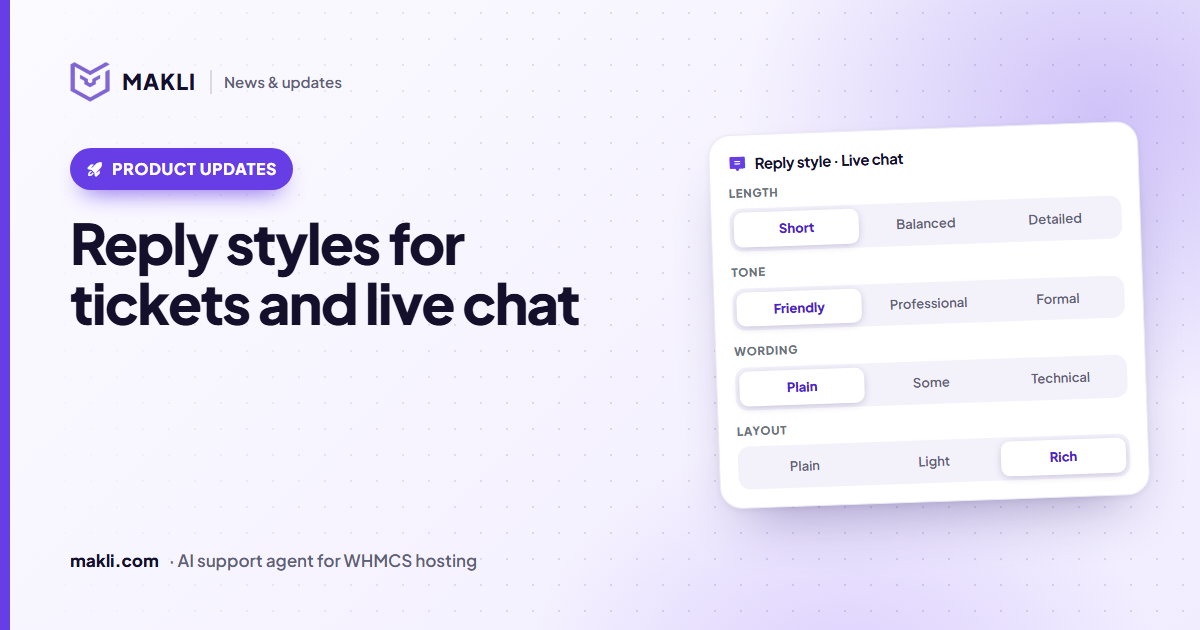 Product updates
Reply styles: choose how Makli sounds in tickets and live chat
Short or detailed, friendly or formal, plain or technical, simple text or tables — set Makli's reply style separately for tickets and live chat.