 MAKLI
Website down? One check for DNS, SSL, firewall and account
How Makli answers a site-down ticket: domain expiry, WHOIS, DNS, the live page, SSL, the client's firewall block and the account. A cause only when verified.
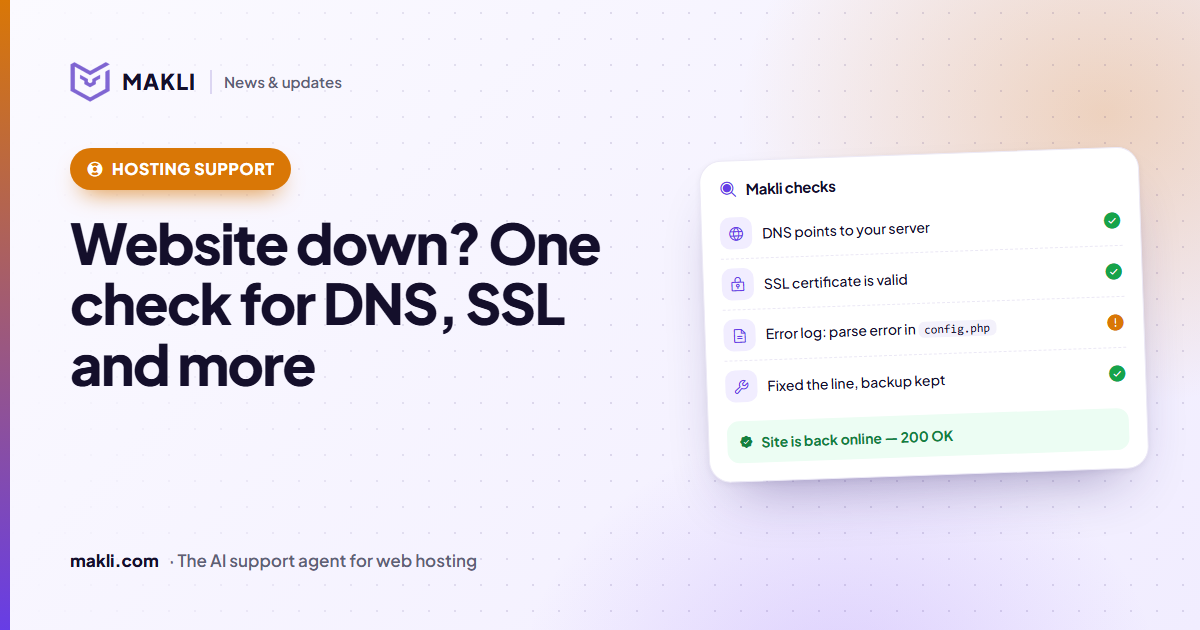
- A site-down ticket has many possible causes; Makli runs one read-only diagnostic that looks at all the usual ones together.
- It checks domain expiry and WHOIS, DNS, the live page and SSL, and on your hosting accounts the firewall and the account state.
- The result is up, down, degraded or inconclusive, and a cause is named only when a check proved it.
- If the site loads for everyone but the client, Makli looks at your firewall for their IP.
"My website is down." It is the most common hosting ticket and one of the hardest to answer quickly. The cause could be an expired domain, DNS pointing at an old server, a suspended account, a PHP error, an expired certificate, or a firewall that has blocked only this client's office. A support agent usually checks these one by one, in different tools. Makli has a single read-only action, Diagnose a website that is down, that runs the usual checks together and reports what it found.
What it needs: just the domain
Makli passes the domain from the ticket. If it matches one of the client's hosting services, the checks that need server access run as well. If the client has no service line for it, Makli looks for the domain on your connected cPanel and DirectAdmin servers, because it may be an addon or parked domain inside one of their accounts. When the domain is not hosted with you at all (registered with you but hosted elsewhere, for example), the DNS, WHOIS, page and SSL checks still run, and they often hold the answer. Makli does not tell the client the domain "is not with us" just because it found no account.
The checks
Makli checks
config.php| Check | What Makli looks at |
|---|---|
| Domain expiry | The expiry date and status in this client's own WHMCS domain record, never another client's |
| WHOIS | A live WHOIS lookup: expiry, registrar and status, including holds such as clientHold, serverHold or redemption |
| Registrar | Whether the registrar in WHOIS matches the one in WHMCS |
| DNS | The A record, asked of the domain's own nameservers and compared with public resolvers, then with your server's IPs |
| Live page | The homepage over HTTPS (HTTP if HTTPS does not answer), with the status code, each redirect and what the page actually shows |
| SSL | A verified TLS handshake: expired, self-signed, wrong hostname, or expiring within 14 days |
| Firewall | Whether the client's IP is blocked in CSF on the account's server |
| Account | On cPanel (WHM) and DirectAdmin: suspended or not, and whether the disk quota is full |
DNS without stale answers
A resolver's cache can be hours old, so Makli asks the zone's own nameservers and compares that with the public view. If they differ, the reply says a DNS change is still propagating, so the client and your team may honestly see different results for a while. Makli compares the address with the account's assigned IP and your servers' IPs, so a site on a dedicated IP is not reported as "pointing elsewhere". Cloudflare addresses are recognised as the Cloudflare proxy, which does not mean the site has moved. A domain that does not exist in DNS (NXDOMAIN) is reported differently from a lookup that simply failed.
The page, not just the status code
A server can answer 200 OK while the visitor sees anything but the website. Makli reads the page it gets back and recognises a hosting "account suspended" page, a database connection error, a PHP fatal error or WordPress's "critical error" message, a maintenance page, a parked or expired-domain page, a default server page, a bare "Index of /" listing, a blank page, a redirect loop and Cloudflare's 52x origin errors. A firewall or bot challenge (a Cloudflare "Just a moment" page, for example) counts as inconclusive, not down: it shows that the check was challenged, not that visitors are.
If the client names a page that fails, such as /wp-admin/ or a checkout URL they pasted, Makli fetches that page too. A homepage that loads says nothing about the page they are stuck on.
One verdict, and a cause only when it is proven
The checks are combined into one of four states: up, down, degraded (it responds, but with a problem such as an invalid certificate, or the named page fails) or inconclusive. Makli names a cause only when a check verified it, and it picks the most specific one. A suspended account comes before the suspension page it causes; an expired domain comes before the parking page shown in its place.
When nothing proves a cause, the result says so: "Cause: not established". Makli then tells the client what it observed, such as the status code or the error shown, without guessing why. For a PHP error or a blank page, the next step is the account's error log on cPanel, Plesk or DirectAdmin, read before any fix is suggested. Our earlier post on why a support AI must check the server first shows where that leads with a real 500 error.
"It works for me, not for them"
Sometimes every check passes: DNS is right, the page loads, the certificate is valid. Makli then says plainly that the site is up and does not present anything else as the reason it is down. One common cause remains. If your firewall has blocked the client's own IP, perhaps after a few wrong FTP or email passwords, only they lose the site. Makli checks the client's IP (the one recorded with the ticket, or their last known IP in WHMCS) against CSF on the account's server, and reports blocked, not blocked or could not be verified.
Is 203.0.113.24 blocked?
If the IP is blocked, Makli offers to unblock it. That is a separate change action, under the mode you chose for it; the CSF post explains how that works.
What the diagnostic will not do
- It changes nothing. Every check only reads. Fixes such as reissuing a certificate, adding an A record or unblocking an IP are separate actions with their own modes and approvals.
- It does not reveal other accounts. If the domain is hosted on your server under an account that is not this client's, Makli answers only from the public checks, names no account or owner, and hands the ticket to your team to verify ownership.
- It does not overstate what it saw. The check runs from one place on the internet, and a lookup that failed is reported as "could not be checked", never as fine.
More on how Makli limits what each action may do is on the security page.
Site-down tickets reaching your team every day? Test Makli runs on your real tickets, only reads, and changes nothing, so you can see what it would have found first. Start free and compare its findings with your team's.
Keep reading
 Hosting support
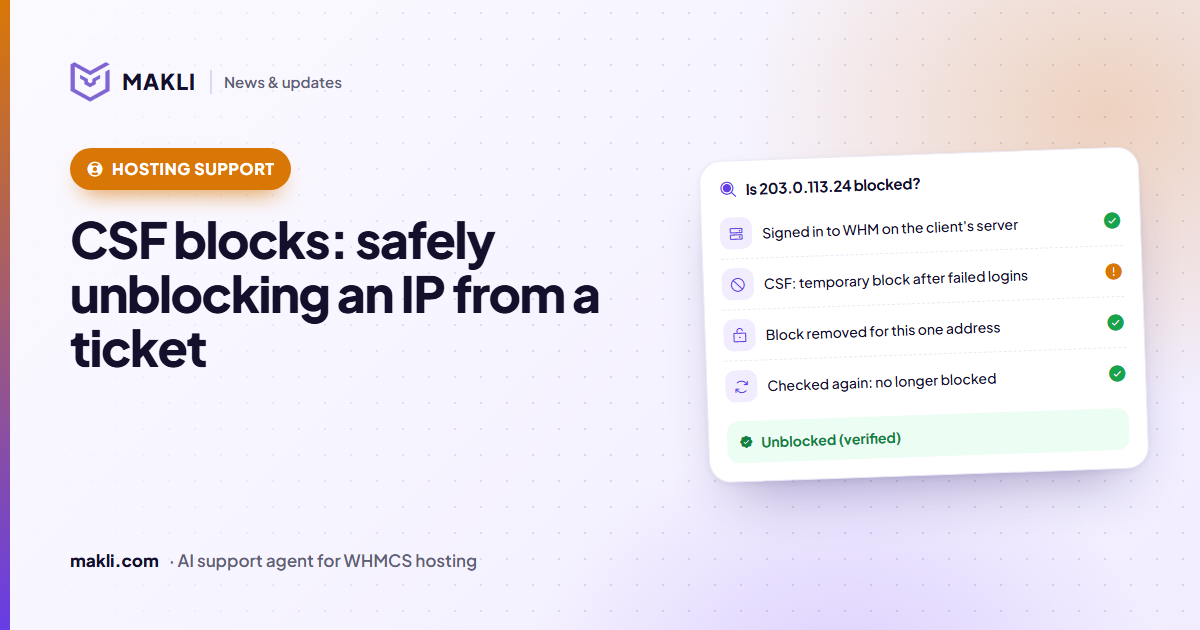
CSF firewall blocks: safely unblocking an IP from a ticket
"I can't log in to cPanel" is often a CSF or cPHulk block. How Makli finds the block, removes only that one, and checks again before it tells the client.
 Hosting support
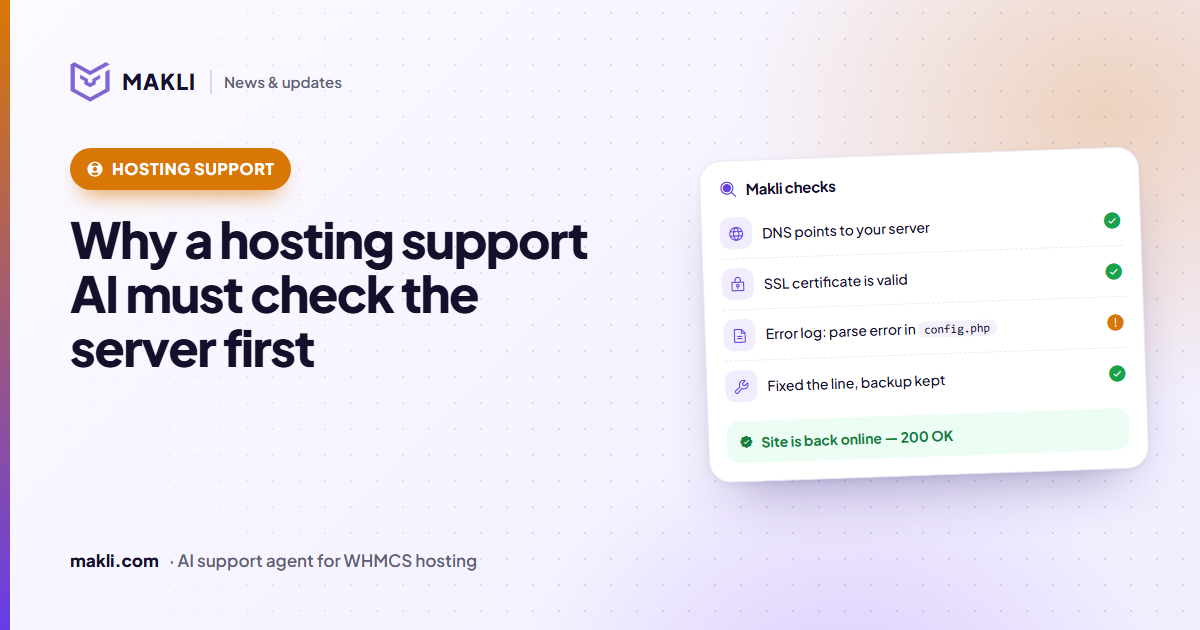
Why a hosting support AI must check the server before it answers
Generic chatbots guess. Hosting customers need answers based on their own account, DNS, logs and invoices. Four real ticket types show the difference.
 Product updates
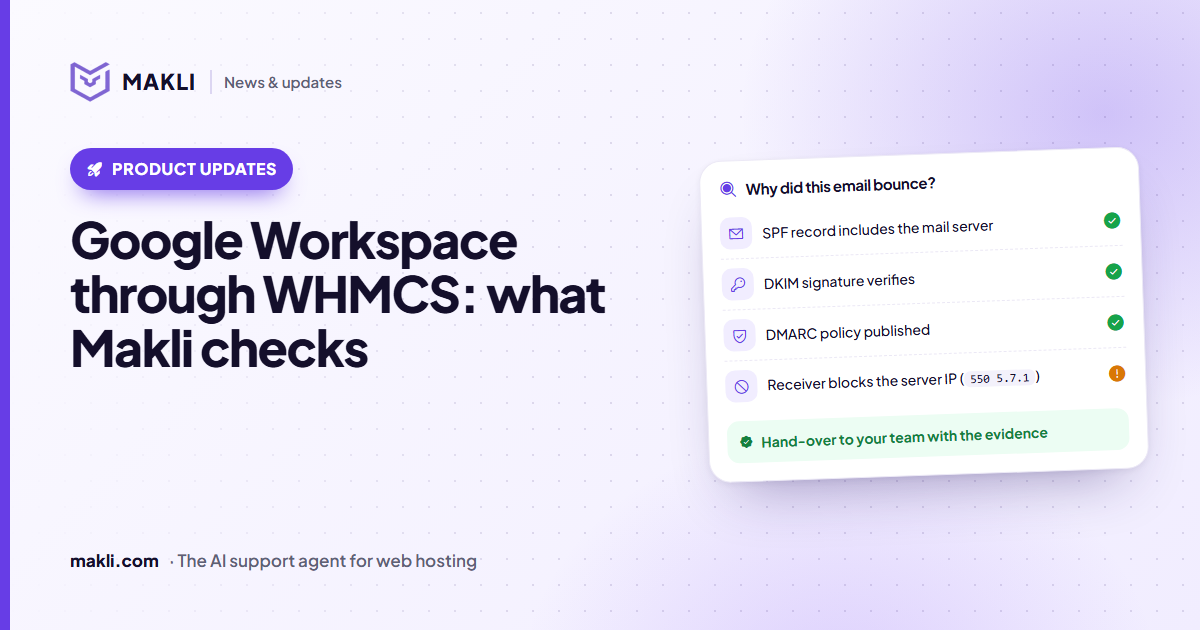
Google Workspace sold through WHMCS: what Makli checks
Workspace mail not arriving or landing in spam? Makli checks MX, SPF, DKIM and DMARC, and can read the plan, seats and suspension reason. Read-only.