A new live chat for your WHMCS client area
Makli's live chat for the WHMCS client area has a new look: a smoother launcher, a welcoming home screen, quick topics, clear tables and a calmer wait.
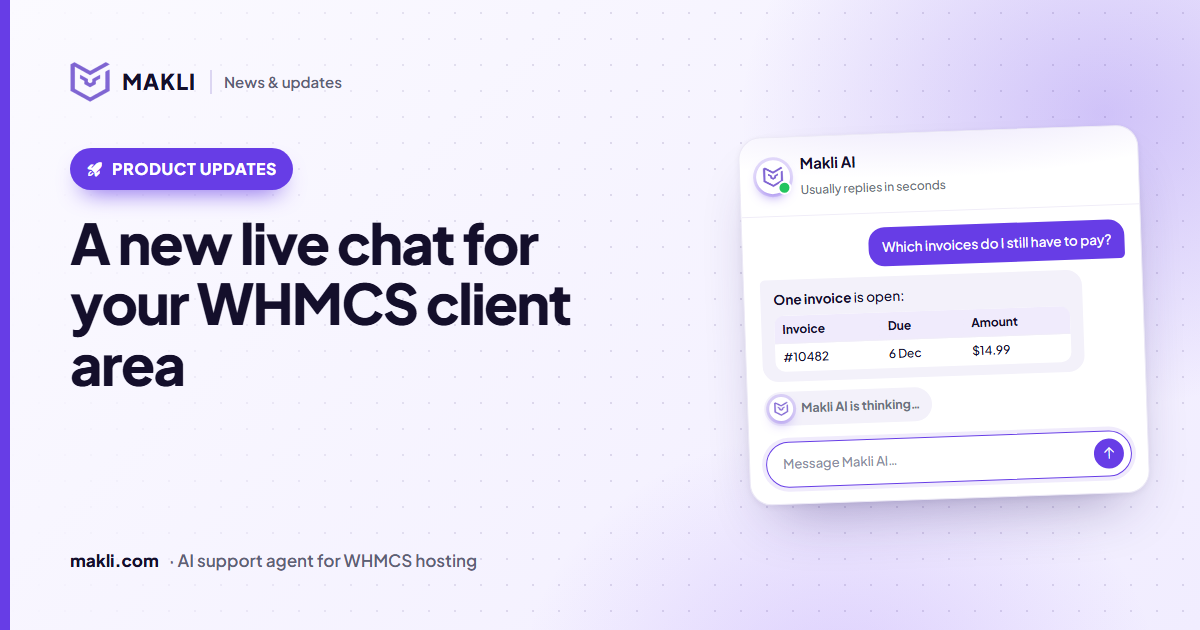
- The Makli live chat for the WHMCS client area has been redesigned from the launcher to the message box.
- Clients see a welcoming home screen with quick topics, tidy tables and a calm "thinking" state while Makli works.
- Every colour still comes from your own styling, in light and dark templates.
- You can try it with up to 20 test clients before switching it on for everyone.
Live chat is often the first place a hosting customer asks for help — and the first impression they get of your support team. We have rebuilt the Makli live chat for the WHMCS client area from the ground up. It looks modern, it stays calm while Makli is working, and it still wears your brand colours, not ours.

| Invoice | Due | Amount |
|---|---|---|
| #10482 | 6 Dec | $14.99 |
Makli AI is thinking…What's new
A launcher that stands out without shouting
The chat now opens from a compact pill (or a round button, if you prefer) with a slowly turning gradient ring and your assistant's picture. When the chat is open, it turns into a simple close button. It sits in the bottom corner you choose, at the distance from the edge you set.
A home screen that helps clients start
Instead of an empty box, clients see a friendly greeting, one clear "Start a new conversation" card and a few quick topics:
- My website is not working
- I have a problem with my email
- I have a question about an invoice
- I need help with a domain or DNS
Choosing a topic puts that sentence straight into the message box, ready to send or edit. Recent conversations appear underneath, with clean one-line previews, so a client can pick up where they left off.
Answers that are easy to read
Makli's answers often contain steps, key values and comparisons. The chat now shows them properly: numbered steps, bullet points with accent markers, bold values and tables as tidy cards. Wide tables scroll sideways instead of squeezing words onto several lines, and when a client asks for a table, they get one.
A calmer wait
Checking a website, a mailbox or a DNS zone can take a little while. Instead of a frozen "typing…", the client sees a small animated mark and a status line that moves on as Makli works — so nobody wonders whether the chat has stopped.
Small touches that add up
- New messages slide in gently instead of jumping onto the screen.
- The send button lights up only when there is something to send.
- A round "jump to the latest message" button appears when the client scrolls back.
- On a phone, the chat opens full screen.
- A short line under the message box reminds clients to double-check important details.
It still looks like your company
Every colour in the chat comes from the client-area styling in your Makli addon, so the chat matches your WHMCS template in light and dark mode. Hosting companies run very different themes — Six, Twenty-One, Lagom, Nexus and many customised ones — and the chat is built to sit on top of them without fighting their styles.
What clients can do in the chat
Logged-in clients can ask about their own services, invoices, domains and websites. Makli looks up the real account before it answers, and can run the actions you have switched on for live chat — for example, showing a site's PHP version, checking nameservers, creating a mailbox or sending a one-time control-panel sign-in link. Anything that needs a person becomes a support ticket in one click, with the whole conversation attached so the client doesn't have to explain it again.
Try it before your clients see it
You don't have to switch the chat on for everyone to test it. In the Makli addon, open Live Chat → Test before going live and add up to 20 test clients by email address or client ID. Only they see the chat while it is off for everybody else, so your team can try real questions on real accounts first.
Common questions
Do I need to change my WHMCS template?
No. The chat is added by the Makli addon and styled by it. Your template files stay untouched.
Will my existing conversations and settings survive the update?
Yes. Updating the addon keeps your settings, colours and conversations; only the look and behaviour of the chat change.
Can I hide the reminder line or a quick topic?
Yes. Every piece of text in the chat comes from the addon's language file. Leave a quick topic or the reminder line empty and it is not shown.
How to get it
The new chat ships with the Makli WHMCS addon — update the addon and the new design is live. New to Makli? Start free and we'll set it up with you, or read how Makli keeps your WHMCS safe while it works on accounts.
Keep reading
 Product updates
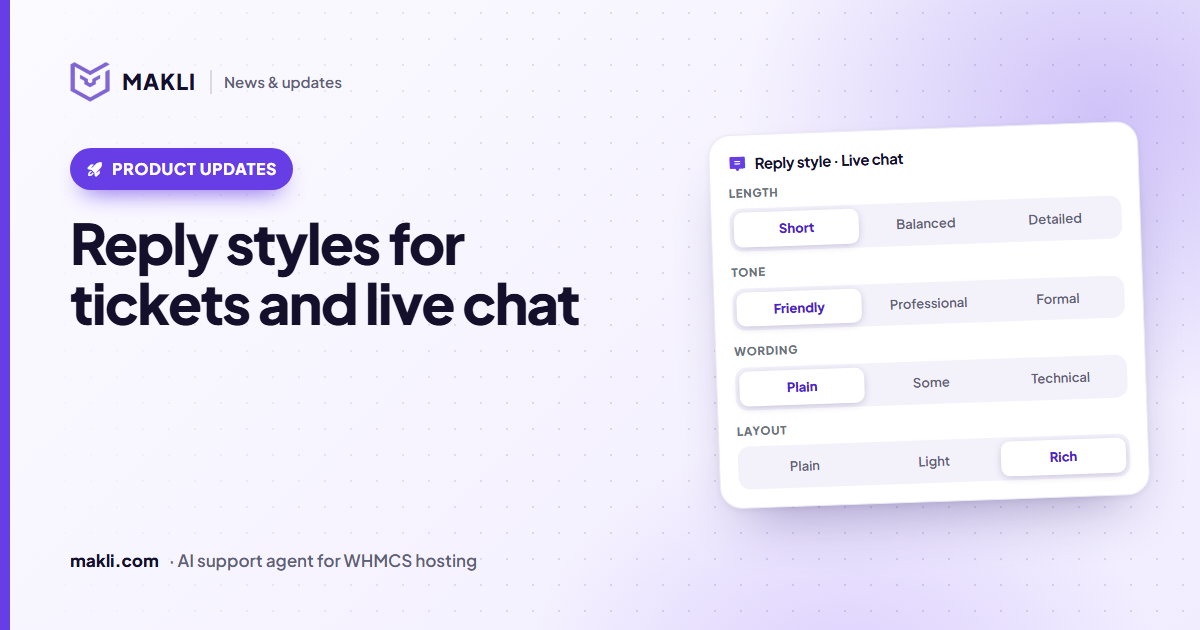
Reply styles: choose how Makli sounds in tickets and live chat
Short or detailed, friendly or formal, plain or technical, simple text or tables — set Makli's reply style separately for tickets and live chat.
 Security
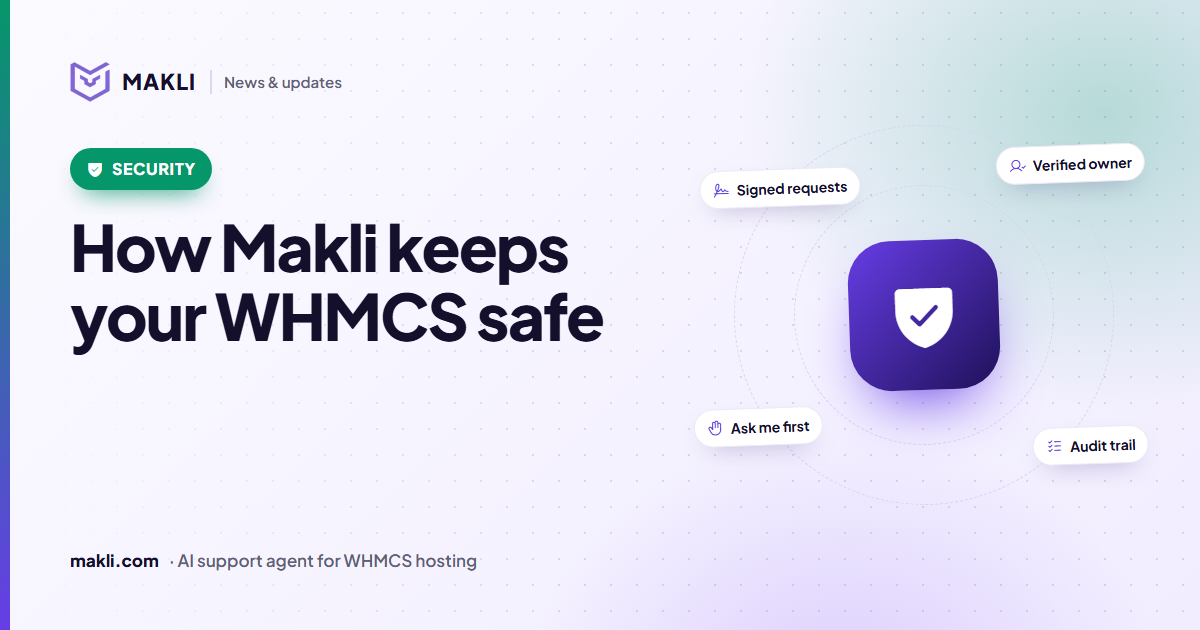
How Makli keeps your WHMCS safe while it works on accounts
An AI agent that can act on customer accounts needs more than a password. Here are the layers that protect your WHMCS, your servers and your customers in Makli.
 Hosting support
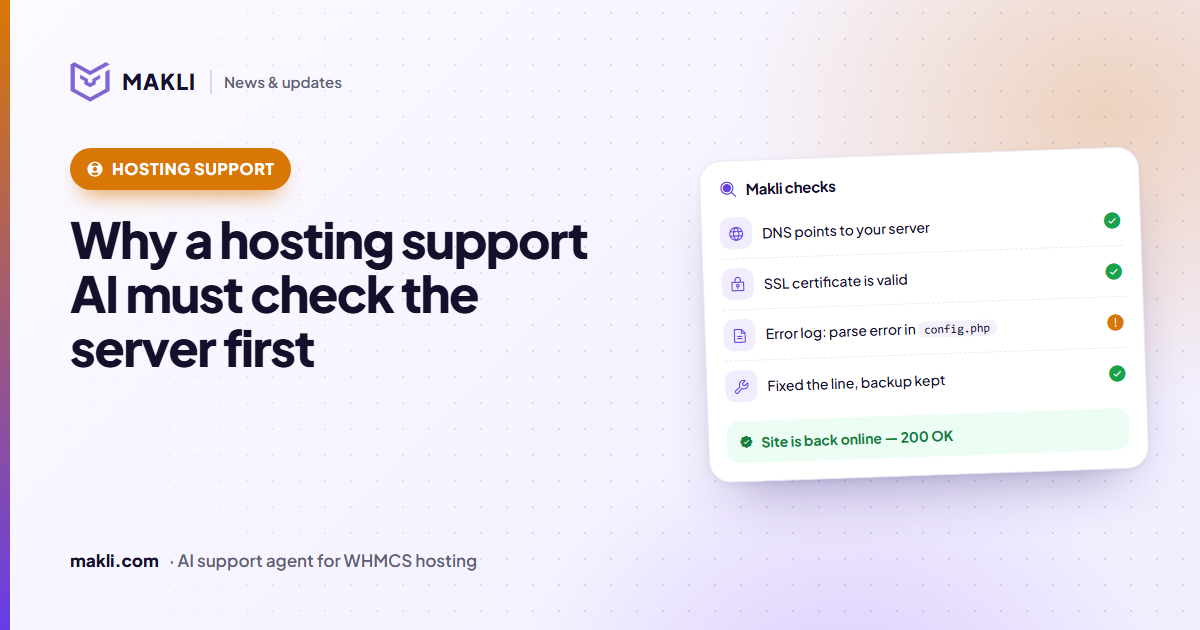
Why a hosting support AI must check the server before it answers
Generic chatbots guess. Hosting customers need answers based on their own account, DNS, logs and invoices. Four real ticket types show the difference.