Reply styles: choose how Makli sounds in tickets and live chat
Short or detailed, friendly or formal, plain or technical, simple text or tables — set Makli's reply style separately for tickets and live chat.
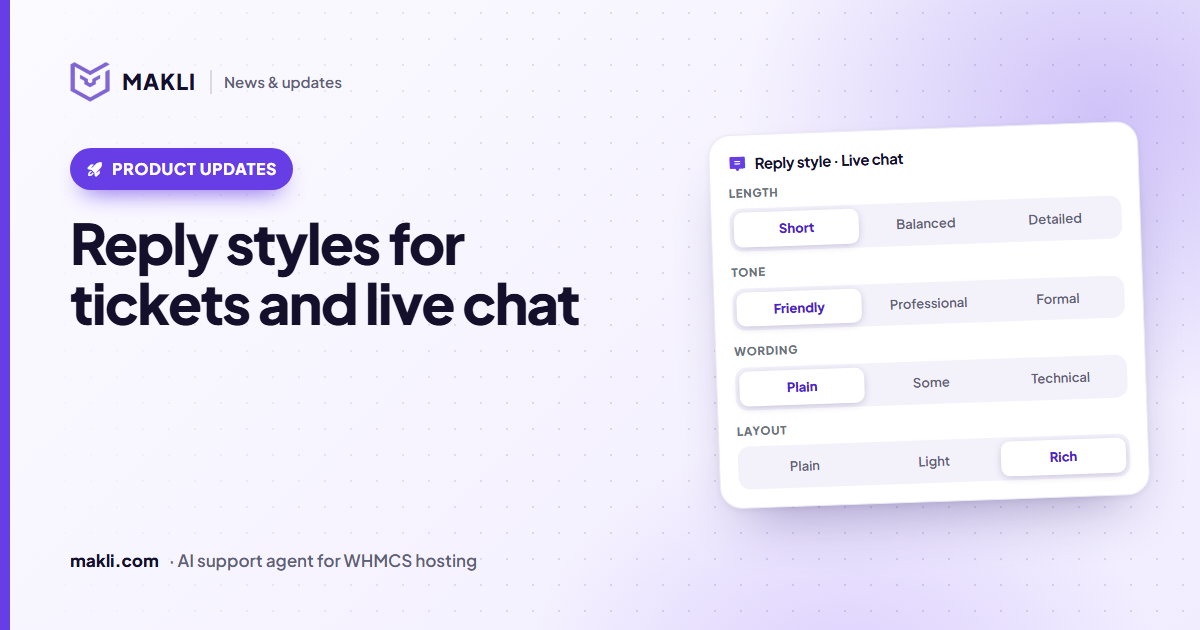
- Choose length, tone, wording and layout for Makli's replies — separately for tickets and for live chat.
- Sensible defaults apply until you change anything.
- A customer who asks for more detail, a list or a table gets it, unless you chose plain text.
- Set it in the Client Portal under Instructions & Rules → Reply style, with a live preview.
Every hosting company has its own voice. Some answer in two friendly lines; others prefer complete, formal replies with every step spelled out. And the same company often wants different things in different places: quick and warm in live chat, thorough in tickets. Makli now lets you choose — separately for each channel.
Four choices, per channel
| Setting | Options | What it changes |
|---|---|---|
| Length | Short · Balanced · Detailed | From the answer and the next step, to the cause plus every step in order. |
| Tone | Friendly · Professional · Formal | From warm everyday words to full sentences without contractions. |
| Wording | Plain · Some technical · Technical | From no jargon at all to exact record names, ports, paths and commands. |
| Layout | Plain text · Light · Rich | From simple paragraphs to numbered steps, bold key values and tables. |
Sensible defaults
If you don't change anything, Makli uses defaults that suit most hosting companies:
- Tickets: balanced length, professional tone, some technical detail, light formatting.
- Live chat: short, friendly, plain words, light formatting.
The customer still comes first
Your style is the starting point, not a straitjacket. If a customer asks for more detail, less detail, a list or a table, Makli gives them that — unless you chose plain text, which always stays plain. So a client who writes "show my domains with their expiry dates in a table" gets a clean table in the chat, even when your default layout is light.

| Invoice | Due | Amount |
|---|---|---|
| #10482 | 6 Dec | $14.99 |
Makli AI is thinking…Formatting that survives the trip
Lists, bold text and tables are only useful if they display properly. Makli's ticket replies use WHMCS's own formatting support, and the live chat and Ask Makli render the same formatting as clean cards — so a table in a reply looks like a table, not like a row of symbols.
Where to set it
In the Makli Client Portal, open Instructions & Rules → Reply style. You'll find one panel for ticket replies and one for live chat, each with the four choices and a live preview that shows how a sample answer changes as you click. Your company's own wording rules and instructions still apply on top.
Reply styles are available to every Makli organization today. Not using Makli yet? Start free, or see how the new live chat for the WHMCS client area looks.
Keep reading
 Product updates
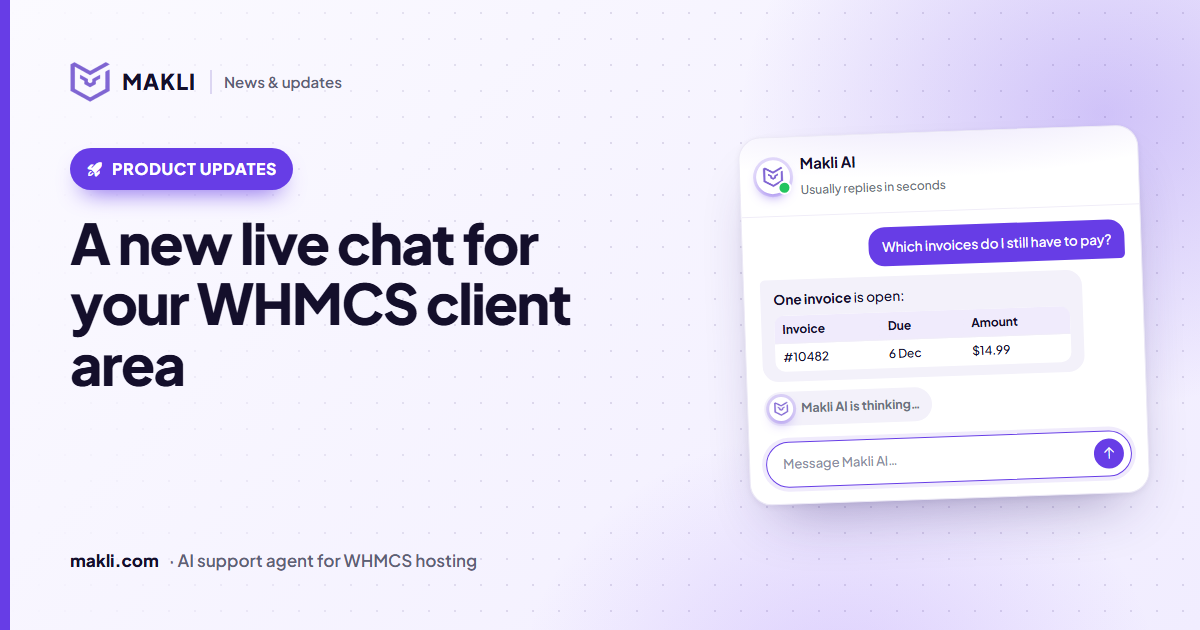
A new live chat for your WHMCS client area
Makli's live chat for the WHMCS client area has a new look: a smoother launcher, a welcoming home screen, quick topics, clear tables and a calmer wait.
 Security
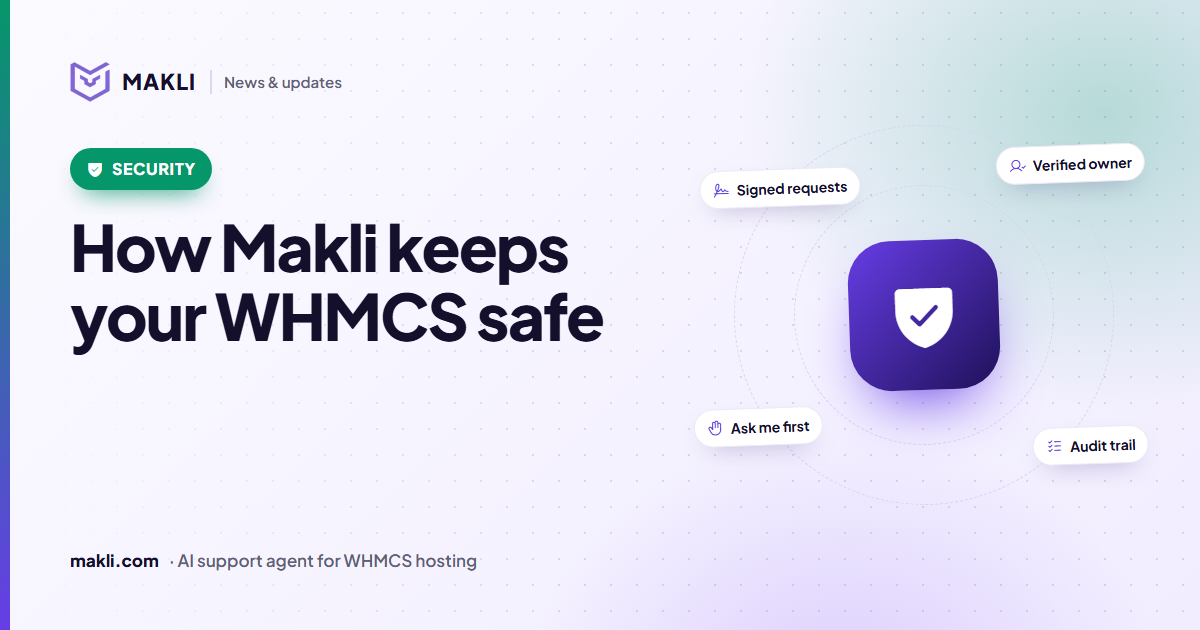
How Makli keeps your WHMCS safe while it works on accounts
An AI agent that can act on customer accounts needs more than a password. Here are the layers that protect your WHMCS, your servers and your customers in Makli.
 Hosting support
Why a hosting support AI must check the server before it answers
Generic chatbots guess. Hosting customers need answers based on their own account, DNS, logs and invoices. Four real ticket types show the difference.