 MAKLI
Hetzner and Proxmox VPS tickets, answered with live data
"My VPS is down" needs facts, not guesses. What Makli reads from Hetzner Cloud and Proxmox VE, what it can change, and what it will never claim.
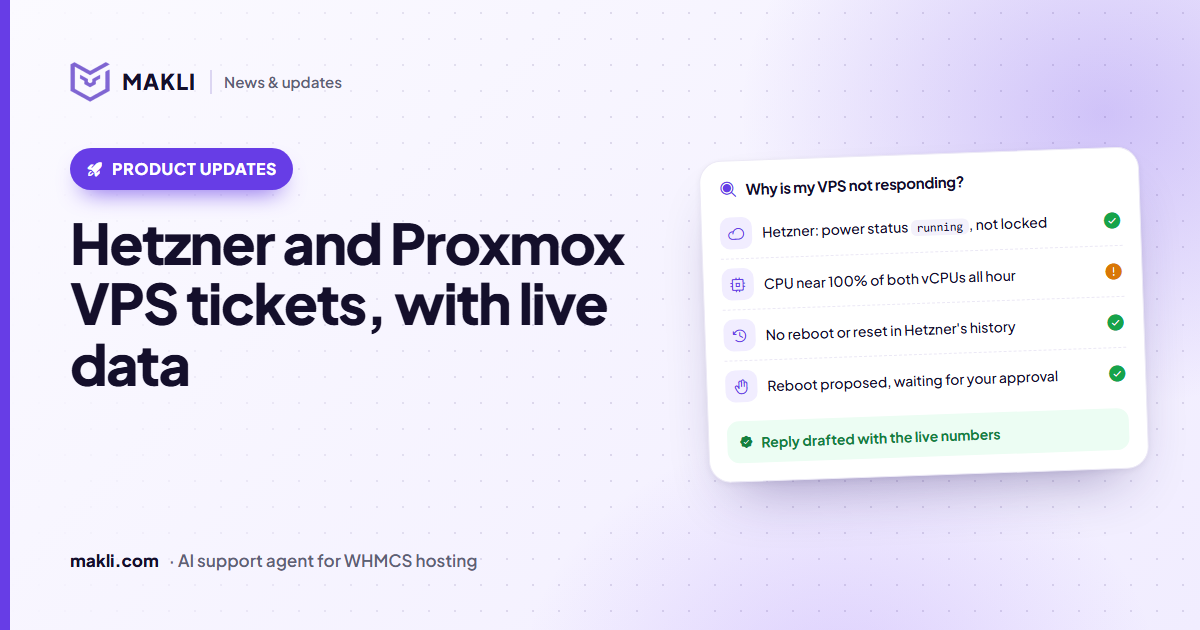
- Makli reads a client's Hetzner Cloud server or Proxmox VPS before it answers: power state, locks, load and recent events.
- On Hetzner it can also power on, reboot, shut down, reset the root password and switch backups, each approval-gated by default.
- Proxmox support is read-only: Makli diagnoses, it never starts, stops or changes a VM.
- "Running" is never reported as "working", and a request Hetzner has not confirmed is never reported as done.
VPS tickets are short and urgent: "my server is down", "the VPS is very slow", "I lost the root password". The first useful reply needs facts that are not in WHMCS. Is the machine powered on? Has the provider locked it? Was it rebooted an hour ago? Is the CPU flat out? A technician opens the Hetzner Console or the Proxmox web interface to find out. Makli reads the same data through their APIs, so its first reply already contains it.
This post covers what Makli does with Hetzner Cloud servers and Proxmox VE virtual servers sold through WHMCS, and the limits it keeps.
The server is always the client's own
Makli only looks at servers that belong to the client on the ticket. It takes the service from that client's WHMCS account, never from a server ID typed into the conversation. If a client asks about a service that is not theirs, Makli refuses. If they have several VPS services, it asks which one.
For Hetzner, the link is the server ID recorded on the WHMCS service. If that field is empty, Makli can find the server in your Hetzner project by the service's dedicated IP. A server that matches only by its hostname is used for reading at most, never for a power or password action, because a client chooses their own hostname and a matching name proves nothing. Makli then tells your staff to fill in the missing server ID.
What Makli reads
| Check | Hetzner Cloud | Proxmox VE |
|---|---|---|
| Power state | Running, off, starting, stopping, migrating | Running, stopped or paused, plus uptime |
| Locks | Locked by Hetzner, rescue system enabled | Backup, snapshot or migration lock, hibernation |
| Load | Last hour of CPU, disk and network: latest, average and peak | CPU and RAM now; disk use for LXC containers |
| Recent events | Last 10 actions: reboots, resets, backups, with error reasons | Failed tasks in the last three days |
| Details | IPs, size, OS image, location, backups on or off | Allocated RAM and disk compared with the plan |
Two small details matter more than they look. Hetzner reports CPU on a scale where 100 means one fully used vCPU, so Makli divides by the server's vCPU count before it says "the server is at 50%". And on Proxmox, a KVM guest's RAM figure can include the guest's file cache, so Makli says "check inside the OS" instead of declaring the server out of memory.
Why is my VPS not responding?
running, not lockedWhat Makli will not claim
Hypervisor data is useful, but it describes the virtual machine, not what runs inside it. Makli is written to keep that difference in every reply:
- "Running" is not "working". A powered-on server can still have a stopped web server or a full disk. Makli does not tell the client their server is fine from the power state alone.
- No samples is not low load. If Hetzner returns no metrics for the last hour, Makli says the load could not be judged.
- An empty history is not proof. Hetzner's action list shows only what was done through Hetzner. A crash or a reboot from inside the operating system never appears there.
- No hidden causes. If the Proxmox VM is running with normal usage and no failed tasks, the reply says the server itself is up and the problem is probably inside the OS or the application. It does not invent one.
What Makli can change on Hetzner
Proxmox support is read-only: Makli never starts, stops or changes a Proxmox VM. On Hetzner Cloud there are six actions that change something:
- Power on a server that is off. Makli checks first; if it is already running, powering on would change nothing.
- Reboot, a soft restart. The operating system has to respond to the signal, so Makli says the reboot was requested, not that the server is back.
- Graceful shutdown, like pressing the power button once. Hetzner confirms only that the signal was sent, so Makli never reports the server as off until the power state says so.
- Force power off, like pulling the plug. Unsaved data can be lost. This action starts Off, so Makli cannot use it until you turn it on.
- Reset the root password. Hetzner can only do this on a running Linux server with the QEMU guest agent. Makli gives the new password to the verified account holder in the reply and keeps it out of notes and hand-offs. It also updates the password stored on the WHMCS service.
- Turn backups on or off. Turning them on adds 20% to the server's Hetzner price, so Makli asks the client to accept the cost first. Turning them off deletes every existing backup of the server immediately, and Makli refuses to do it without an explicit confirmation from the client.
Who decides
Every change above starts on Ask me first, except force power off, which starts on Off. On a ticket, the action waits in your approval queue and no reply goes out until someone on your team decides. In live chat, by default nothing that changes the server runs; the client is offered a ticket instead. Power on and reboot are the only two that Makli may also do for a sender it has identified as the account holder but not fully verified. The password reset and the backup switch need a verified client. You can change each mode later, one action at a time. More on modes and approvals in how Makli keeps your WHMCS safe, and on why the reads come first in why a hosting support AI must check the server.
What you need to set up
- Hetzner Cloud: an API token for the project your client servers live in, and the Hetzner server ID on each WHMCS service.
- Proxmox VE: an API user or token that can read the VMs (VM.Audit), and the VM ID, node and type recorded for each VPS service. Proxmox shows an API user only its own tasks unless it also has Sys.Audit on the node, so Makli never treats an empty task list as proof that nothing failed.
Want to see what Makli would have said on your last ten VPS tickets? Test Makli runs on real tickets, reads only, and changes nothing. Start free and try it on yours.
Keep reading
 Product updates
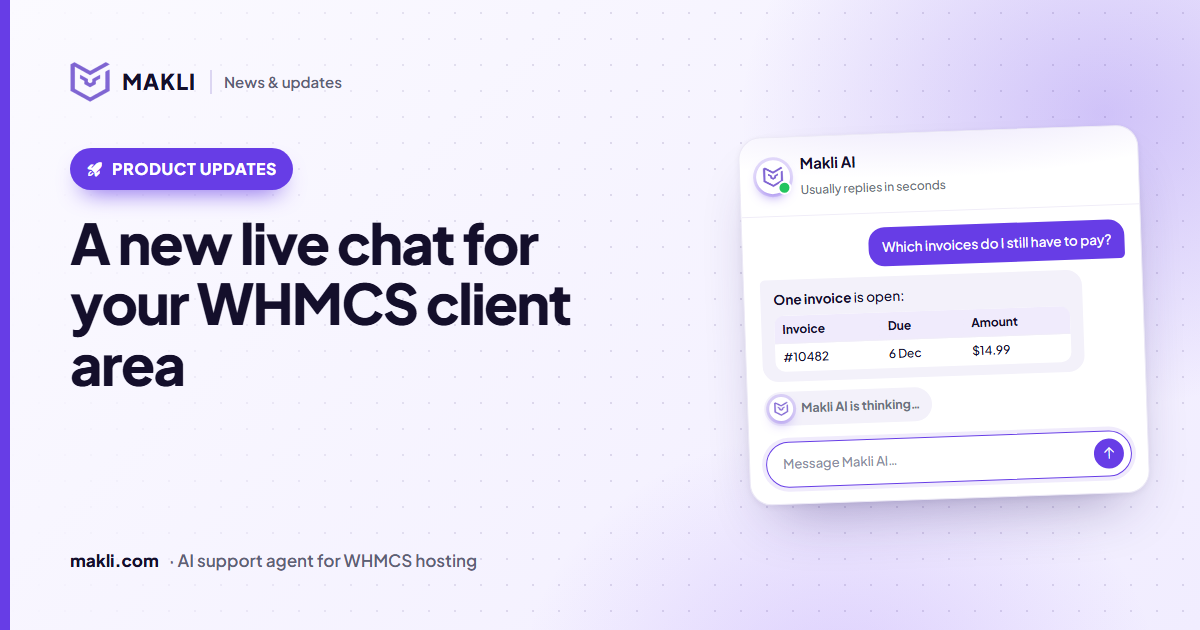
A new live chat for your WHMCS client area
Makli's live chat for the WHMCS client area has a new look: a smoother launcher, a welcoming home screen, quick topics, clear tables and a calmer wait.
 Product updates
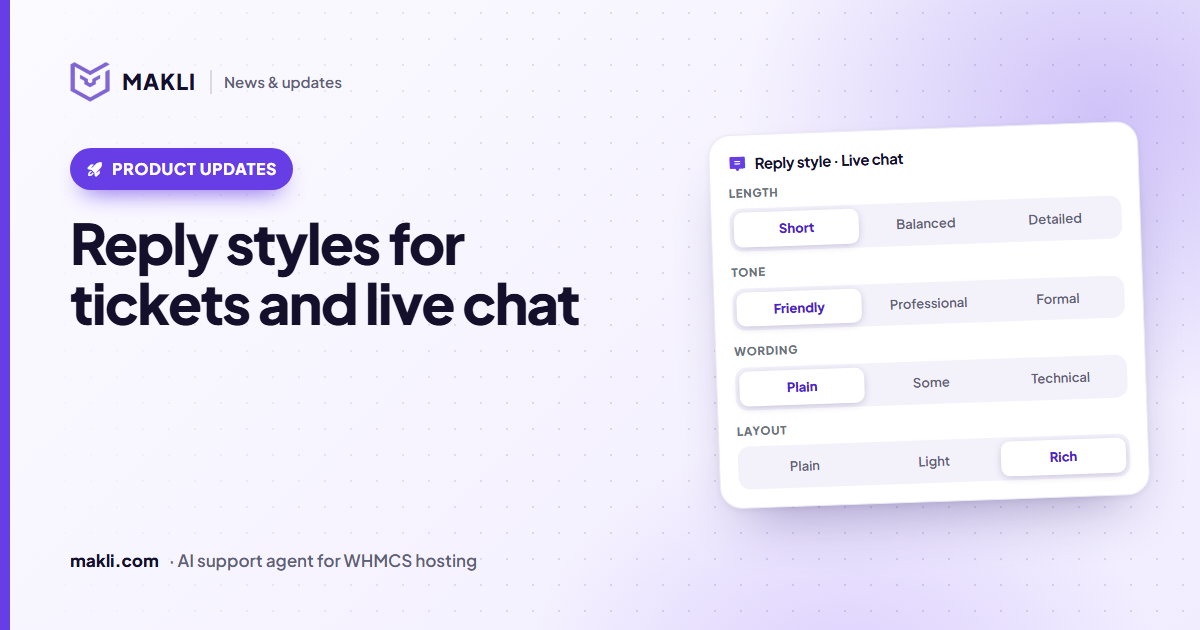
Reply styles: choose how Makli sounds in tickets and live chat
Short or detailed, friendly or formal, plain or technical, simple text or tables — set Makli's reply style separately for tickets and live chat.
 Hosting support
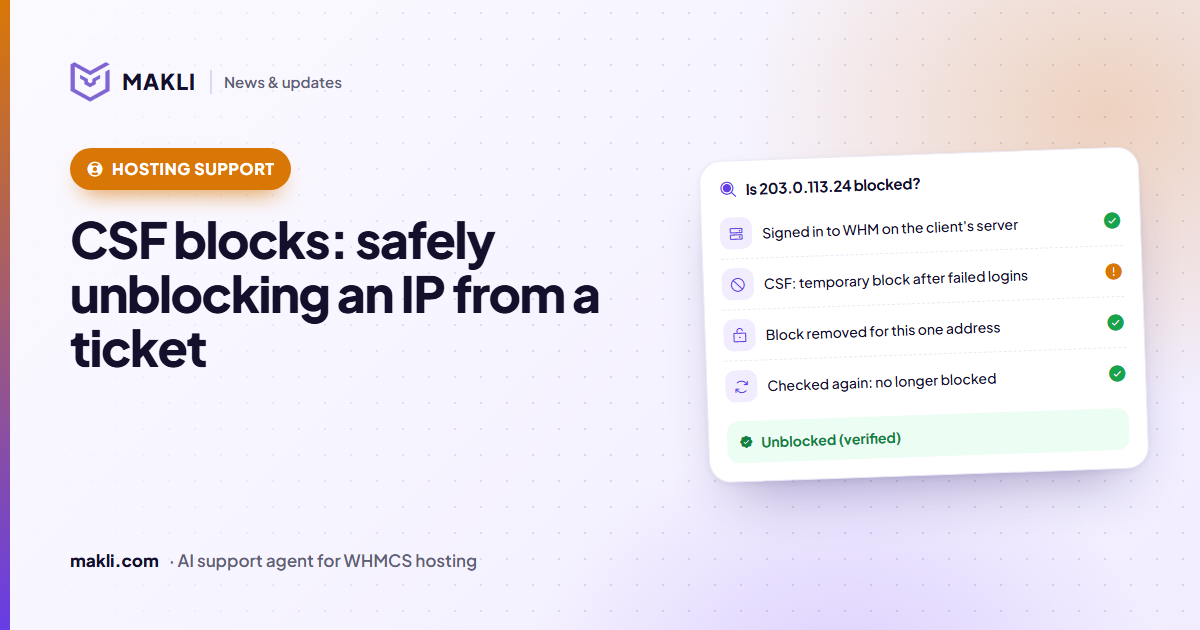
CSF firewall blocks: safely unblocking an IP from a ticket
"I can't log in to cPanel" is often a CSF or cPHulk block. How Makli finds the block, removes only that one, and checks again before it tells the client.