 MAKLI
Plesk and WHMCS: what Makli checks and changes
40 Plesk actions for WHMCS hosts: subscription status, logs, PHP, mail, DNS and files. What Makli reads on its own, what waits for you, and what starts off.
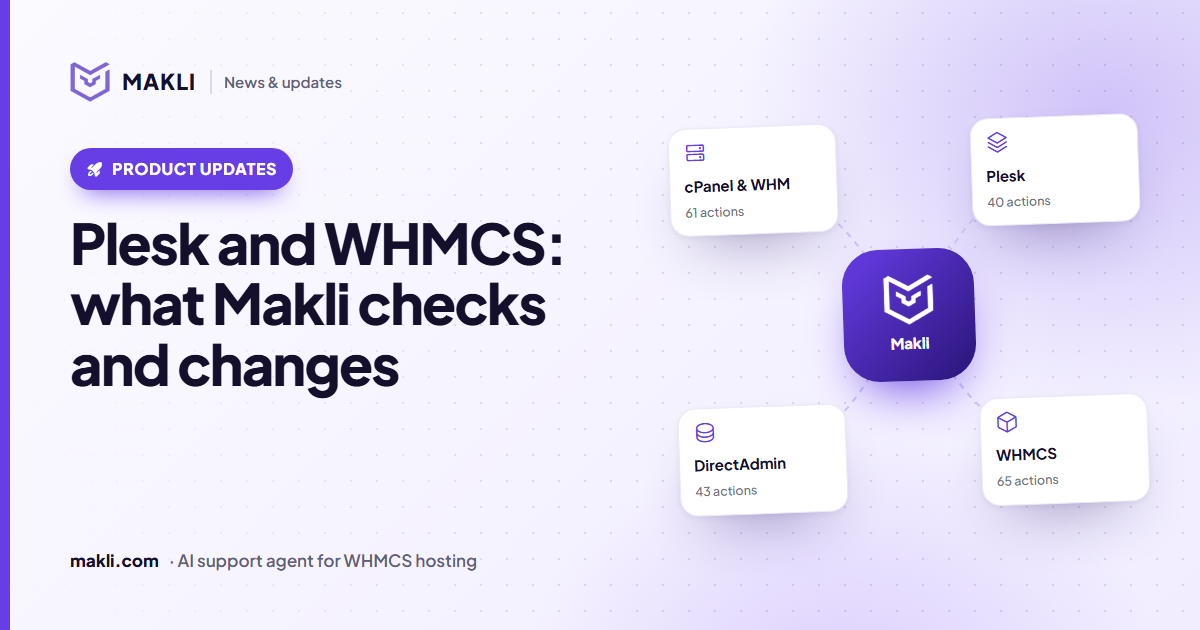
- Makli has 40 Plesk actions: 16 that only read and 24 that change something.
- Reads run on their own; changes start on Ask me first; suspending a subscription, deleting a mailbox and deleting a DNS record start Off.
- Every domain Makli touches must belong to the client's own subscription, checked in Plesk before anything runs.
- Plesk has no file API, so Makli opens a short-lived FTPS login for each file task and deletes it when the task ends.
A Plesk ticket rarely says which subscription, which handler or which log. It says "the shop shows a 503 since this morning" or "uploads over 2 MB fail". Before anyone can answer, someone has to log in to Plesk, find the subscription, and look at its status, PHP handler, error log and settings. Makli does that first round of looking through Plesk's own interfaces (the REST API, the XML API and Plesk's command-line utilities), so its reply starts from what the subscription actually shows.
This is the Plesk companion to what Makli does on cPanel.
Which subscription Makli works on
Makli starts from the client's hosting services in WHMCS. A Plesk service tells it the server and the subscription's domain. If the client has one Plesk service, Makli uses it; if they have several, it needs to know which one.
Plesk's tools accept a bare domain name, so Makli checks every domain it is asked about against the subscription before acting: the subscription's own domain, or an additional domain, subdomain or alias that Plesk records under it. If the domain is not part of that subscription, nothing is read or changed; if the client says it is theirs, the ticket goes to your team to confirm ownership. If Plesk cannot be asked, Makli stops instead of guessing.
What it reads
16 of the 40 Plesk actions only read. They run automatically by default:
| Area | What Makli can see |
|---|---|
| Subscription | Active or suspended, hosting type, IP, system user, PHP handler, disk space and traffic used |
| Website | The web server error log and the newest PHP error_log files, the access log with a summary of status codes, busy IPs and failing URLs, PHP settings, a WordPress install's version, plugins, themes and debug settings |
| Mailboxes on a domain and where each address forwards its mail | |
| Files and databases | Folder listings, text files such as .htaccess or wp-config.php, databases, database users, extra FTP accounts |
| DNS and SSL | Zone records, the live certificate and its expiry date |
Passwords and keys in files and logs are replaced with a marker before Makli sees them. Eight of the reads (lists of mailboxes, forwarders, databases, database users and FTP accounts, file listings, file contents and the access log with visitors' IPs) are shown only to a verified account holder.
One limit worth knowing: on a reseller service, the status Makli reads is the subscription's. Plesk's reseller account has a status of its own, which this check does not cover. When a reseller says their account is suspended, Makli says what it checked and passes the ticket to your team instead of calling the account active.
Makli checks
config.phpWhat it can change, and how each change is checked
The other 24 actions change something: create a mailbox, add or remove a forwarder, reset a mailbox, FTP or database password, add a DNS record, switch the PHP version, change a PHP setting, renew a Let's Encrypt certificate, run Plesk's own repair of a site's web configuration, edit a file. Each one reads the result back.
PHP version: only what is installed
"PHP 8.2" is mapped to a handler actually installed on the server, preferring FPM, then FastCGI, then CGI. If that version is not installed, nothing changes and the reply lists what is. After the switch, Makli reads the setting back; if the read-back does not name the new version, the reply says Plesk accepted the change, not that it was confirmed.
PHP settings: seven, each within a range
Makli can change memory_limit, upload_max_filesize, post_max_size, max_execution_time, max_input_time, max_input_vars and display_errors on the subscription's own domain, each within a range (memory_limit from 32M to 4G, max_execution_time up to an hour). If it cannot read the current value first, it changes nothing. It reports before and after, and if the new value does not show (a service plan can lock it), the client is not told it is done.
Files: a temporary, encrypted login
Plesk has no API for a subscription's files. For each file task, Makli creates an extra FTP login on the client's own subscription with a random name and password, connects over FTPS with an encrypted data channel (never plain FTP), does the work, and deletes the login, also when the task fails. The login gets write permission only when the task is an edit. The password is never logged or stored. If the delete ever fails, the result tells your team the login's name so they can remove it.
Edits follow the same rules as on cPanel: text files up to 1 MB, a backup copy saved and checked before anything is written, the file read back afterwards, and nothing deleted. A broken WordPress plugin is switched off by renaming its folder, and any edit can be undone from Makli's backup.
DNS: one record, checked against the zone
Makli can add an A, AAAA, CNAME, MX, TXT, NS, SRV or CAA record to the zone of the client's own domain. It reads the zone first: an existing identical record is left alone, and a CNAME is refused where the name already has other records. Deleting removes one record; when several match, Makli lists them and asks which one. The domain's own NS and SOA records are never deleted. The zone is read again after every change. A record added in Plesk only takes effect if the domain uses your nameservers, and the reply says so.
SPF, DKIM and DMARC
The SPF fix keeps the existing entries, adds the server the mail is sent from, merges duplicate SPF records and refuses anything over the 10-lookup limit. DKIM is switched on per domain, and Plesk publishes the key when the DNS is yours. DMARC is added only to a domain that has none, starting at p=none. For SPF and DMARC, when the DNS is hosted elsewhere, Makli changes nothing and gives the client the exact record to add there.
Who decides
Every change starts on Ask me first: on a ticket, the action waits in your approval queue and no reply goes out until someone on your team decides. In live chat, changes are not run by default; the client is offered a ticket. Three actions start Off: suspending a subscription, deleting a mailbox and deleting a DNS record.
Changes need a verified client. Three repairs (unsuspending a subscription, renewing the Let's Encrypt certificate and running Plesk's repair) may also be done for a sender Makli has identified as the account holder but not fully verified. When a client asks for panel access, Makli gives a one-time Plesk login link and the panel address; it does not reset the panel password to do that. You can change each mode later, one action at a time. More in how Makli keeps your WHMCS safe and on the security page.
Want to see what Makli would have answered on your last Plesk tickets? Test Makli runs on your real tickets, only reads, and changes nothing. Start free and try it on yours.
Keep reading
 Product updates
cPanel and WHMCS: what Makli checks and fixes
61 cPanel actions, from error logs and mail delivery to PHP, DNS and backups. What Makli reads on its own, what waits for you, and what starts switched off.
 Product updates
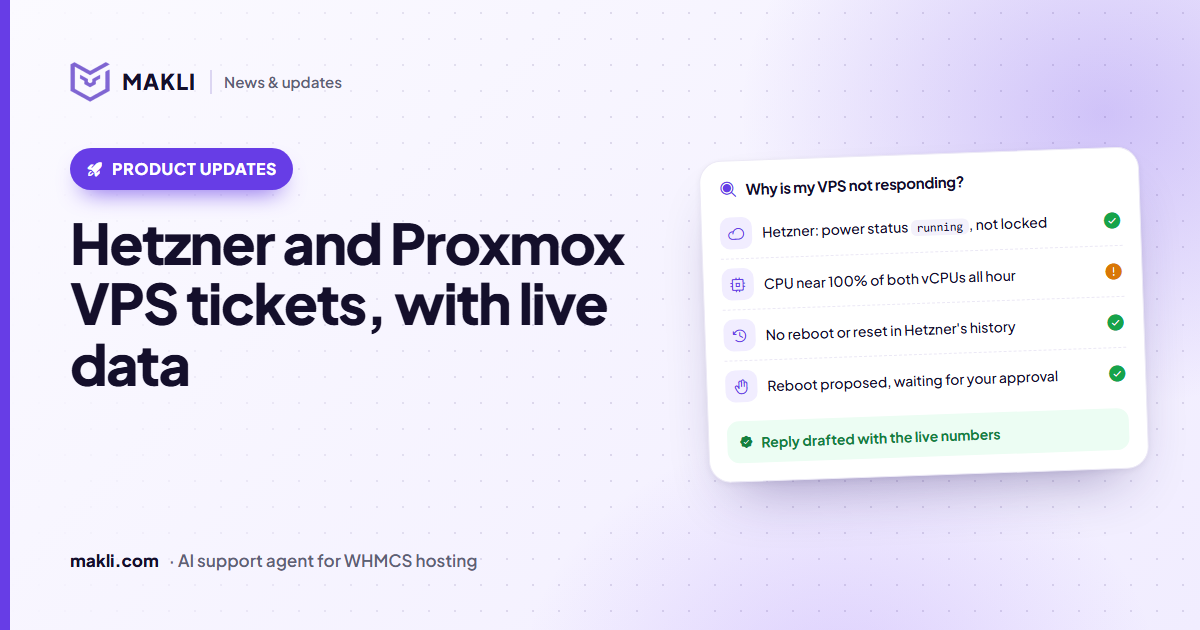
Hetzner and Proxmox VPS tickets, answered with live data
"My VPS is down" needs facts, not guesses. What Makli reads from Hetzner Cloud and Proxmox VE, what it can change, and what it will never claim.
 Hosting support
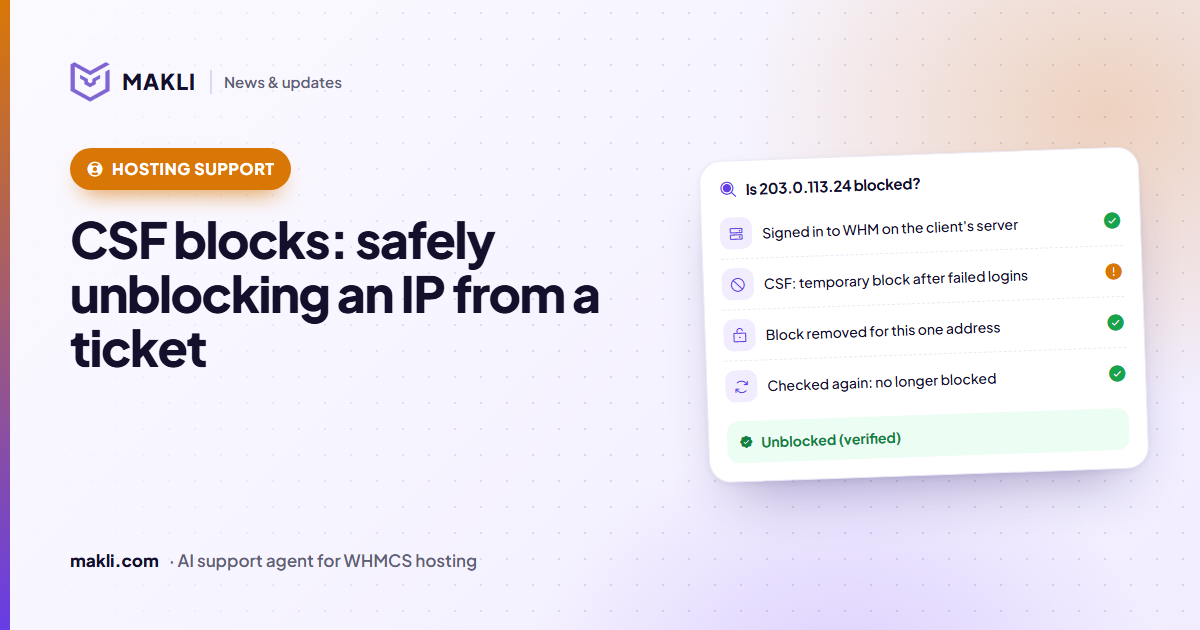
CSF firewall blocks: safely unblocking an IP from a ticket
"I can't log in to cPanel" is often a CSF or cPHulk block. How Makli finds the block, removes only that one, and checks again before it tells the client.